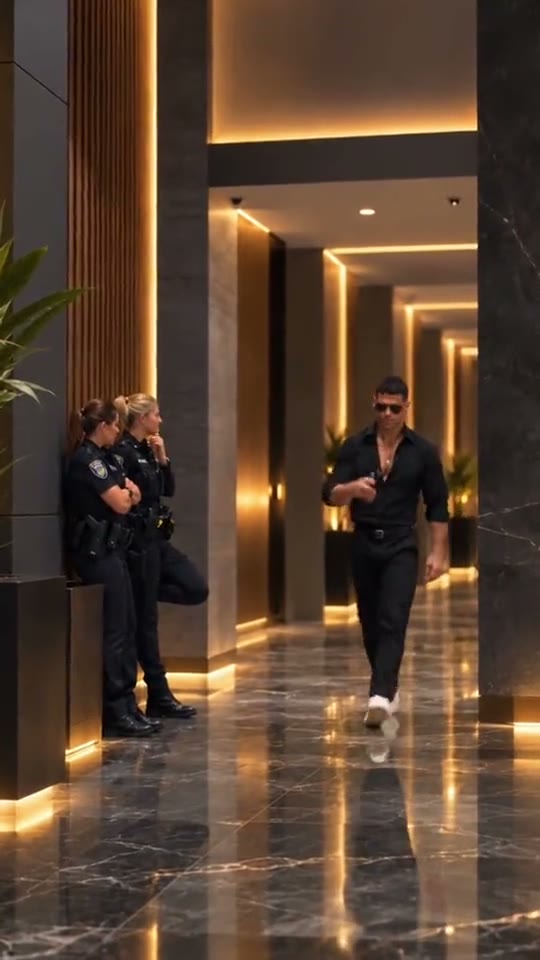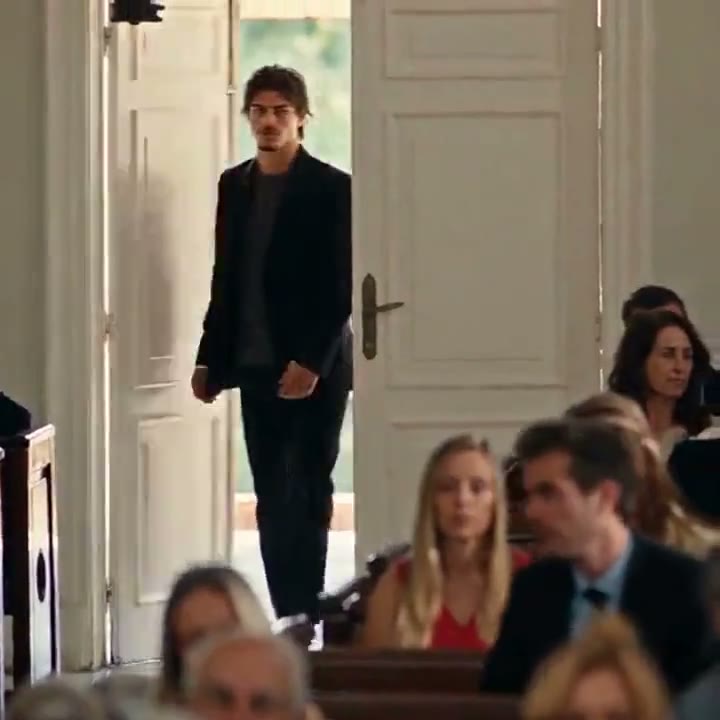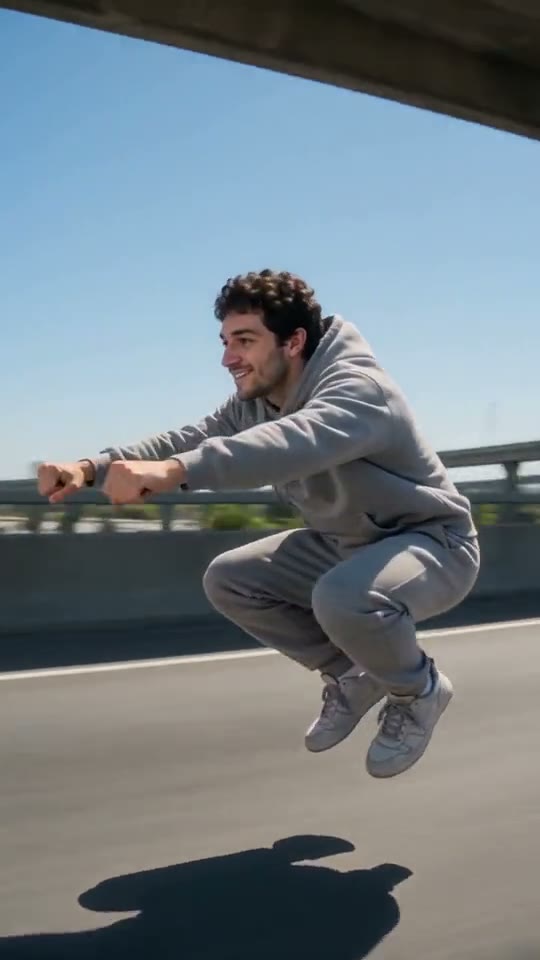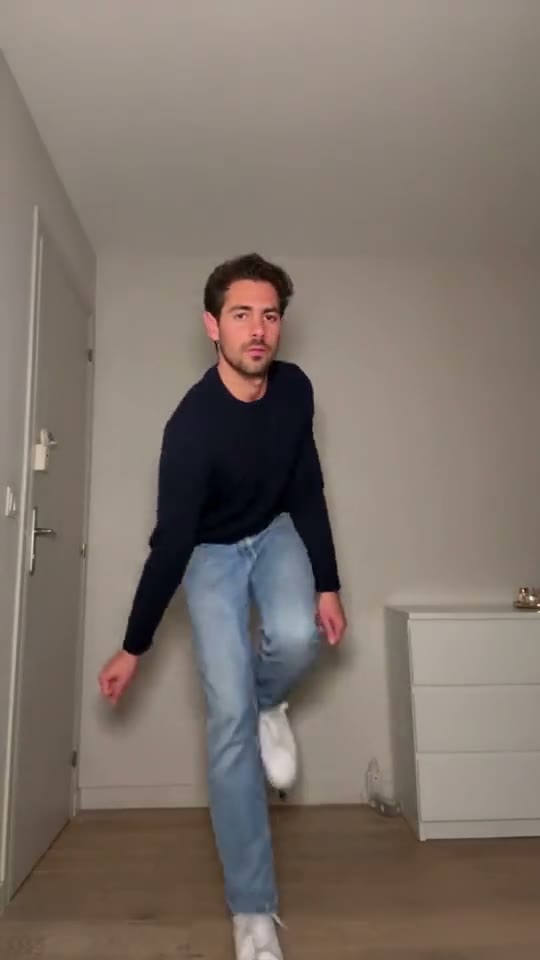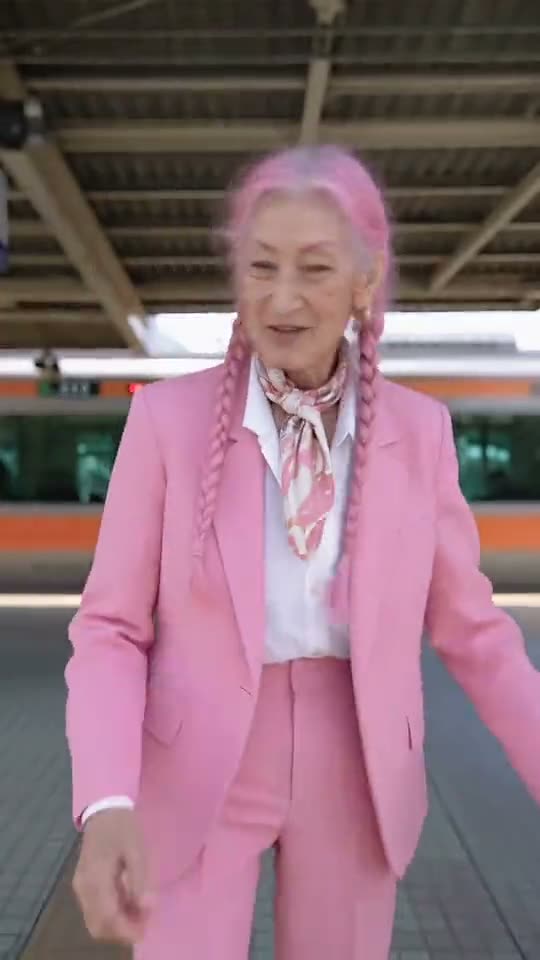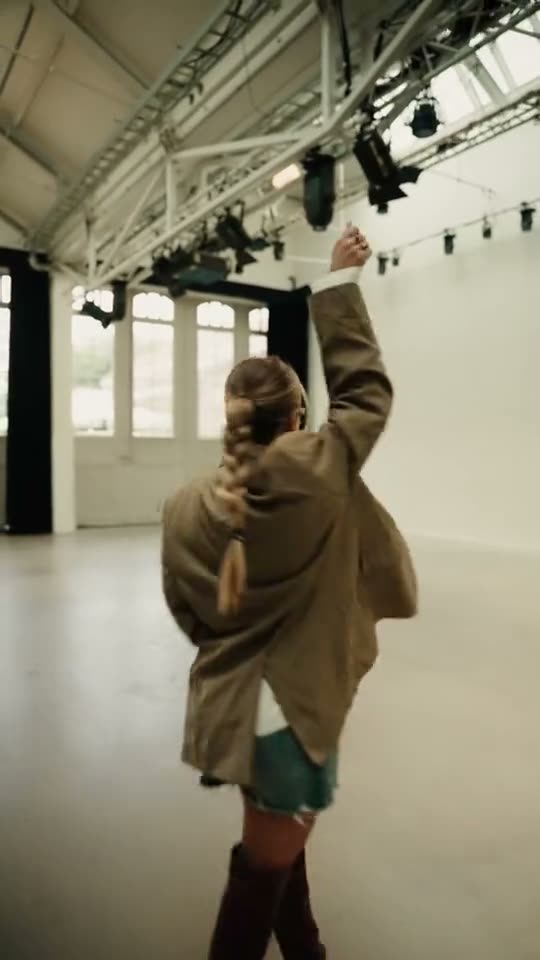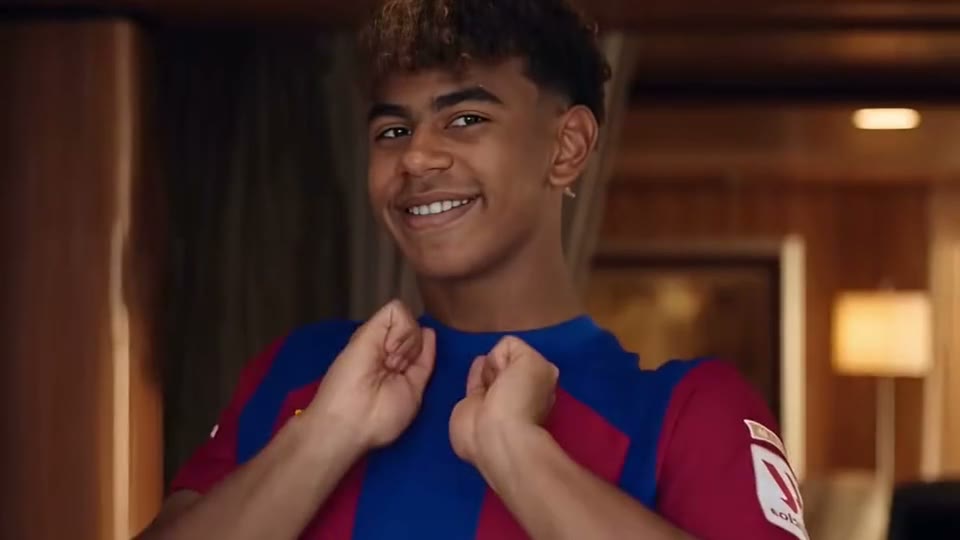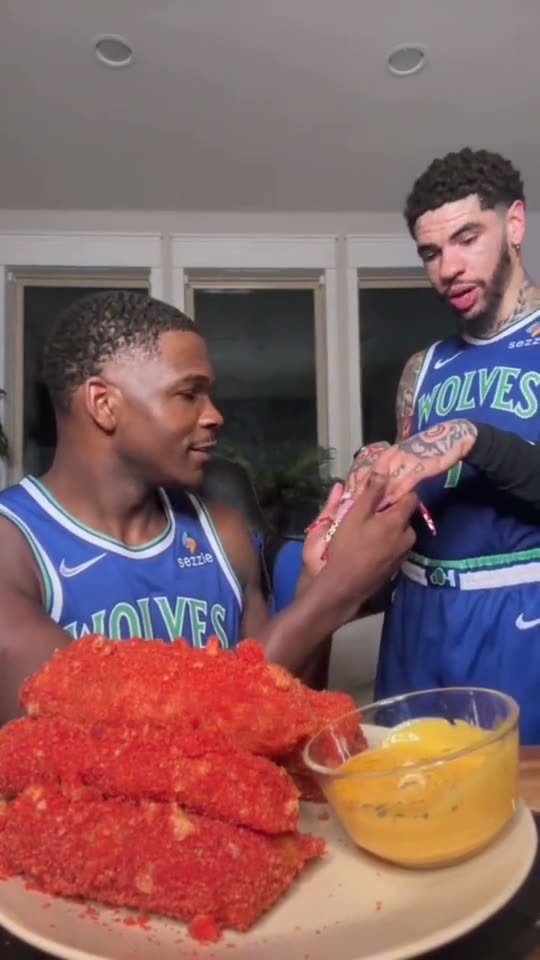
Ready-made trends
Pick a Trend and Make It Yours
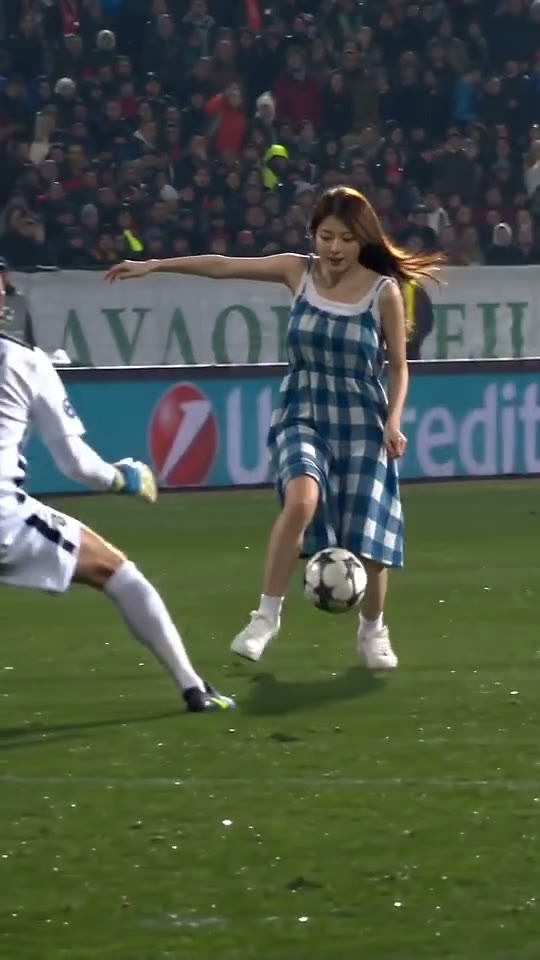
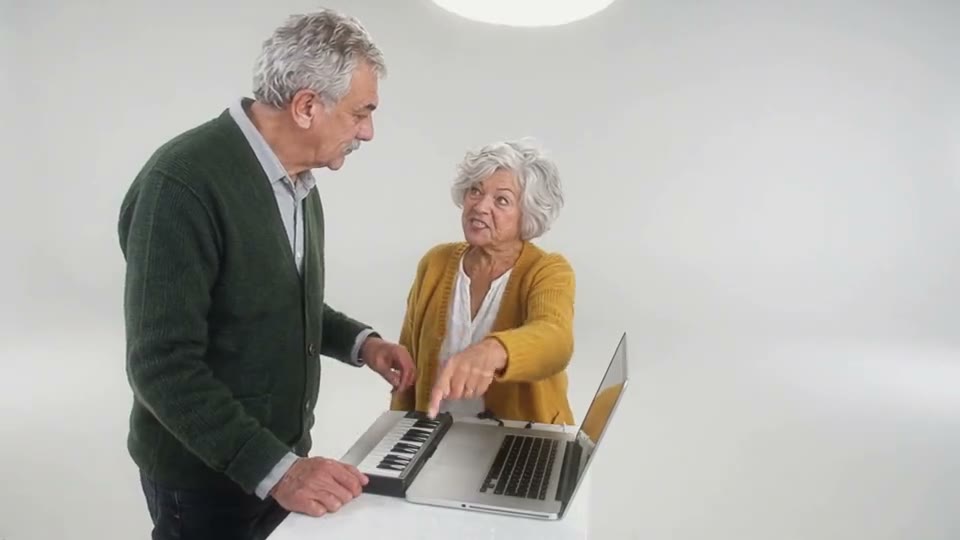
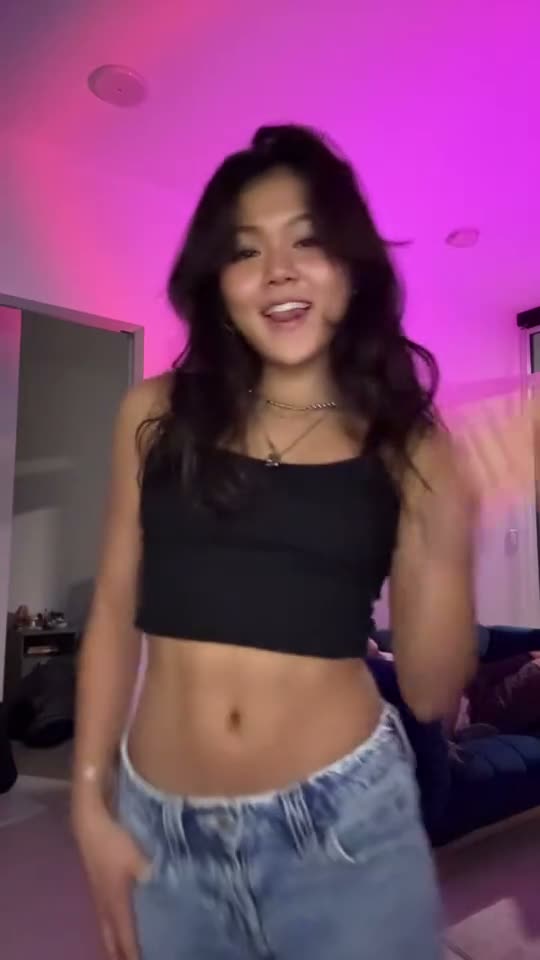
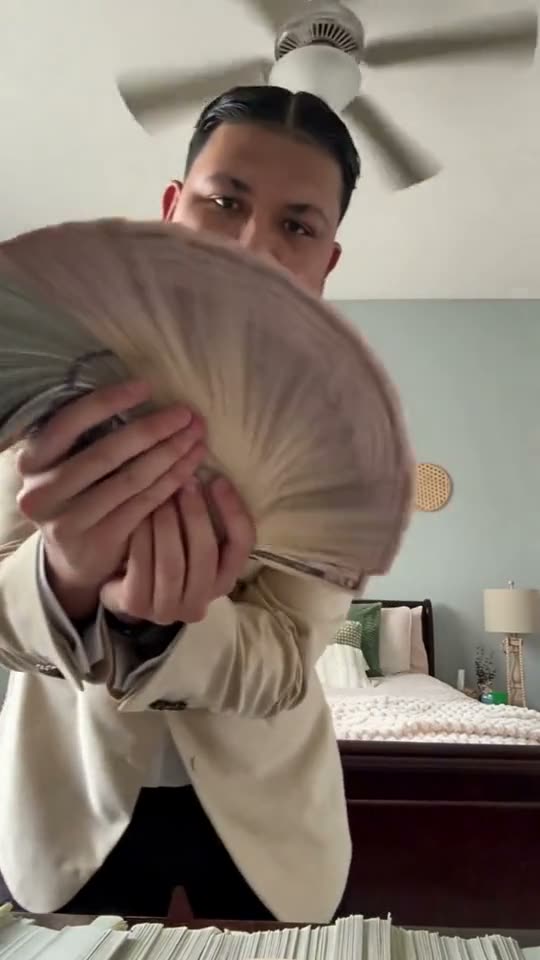
The video wall lets you see a scene before you start. Choose Recreate to load the example’s prompt, then add the photo you want to use.
Trending This WeekPick a viral clip, add your own photo, and make your version. Start with a ready-to-use prompt or add your own direction.
The clip is a preview. Pavo AI Video generates from your photo and prompt.
Use photos you own or have permission to edit. No impersonation, intimate deepfakes, or sexualized depictions of children. Content rules · Report misuse
About Pavo AI Video
Pavo AI Video is an AI meme video generator. Pick a trending example to start with its prompt, add a photo of yourself, a friend or a pet, and generate your own take on the scene.
Start with the look and action of a viral clip and give it a new subject.
Preview the examples and load the direction behind the clip into the generator.
Start with a clear photo of whatever should appear in the scene.
Edit the prompt to describe a different move, camera angle or setting.
The cost depends on the selected model and settings. Review the quote in the editor before generating, especially after changing a model, duration or resolution.
Choose images you have permission to use for your creation.
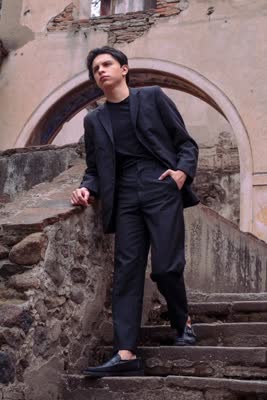
Explore the clips in rotation this week. Pick a trend to start with its prompt, then make it your own.
This week’s pick
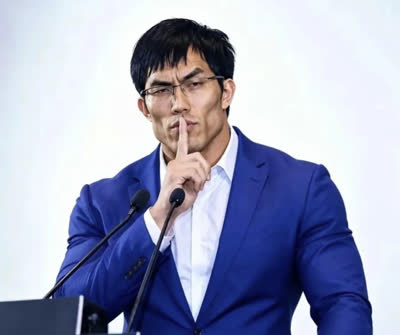
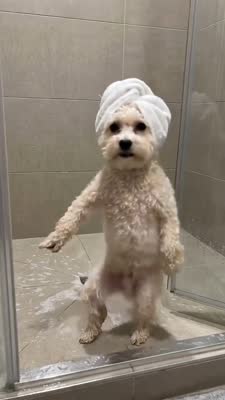
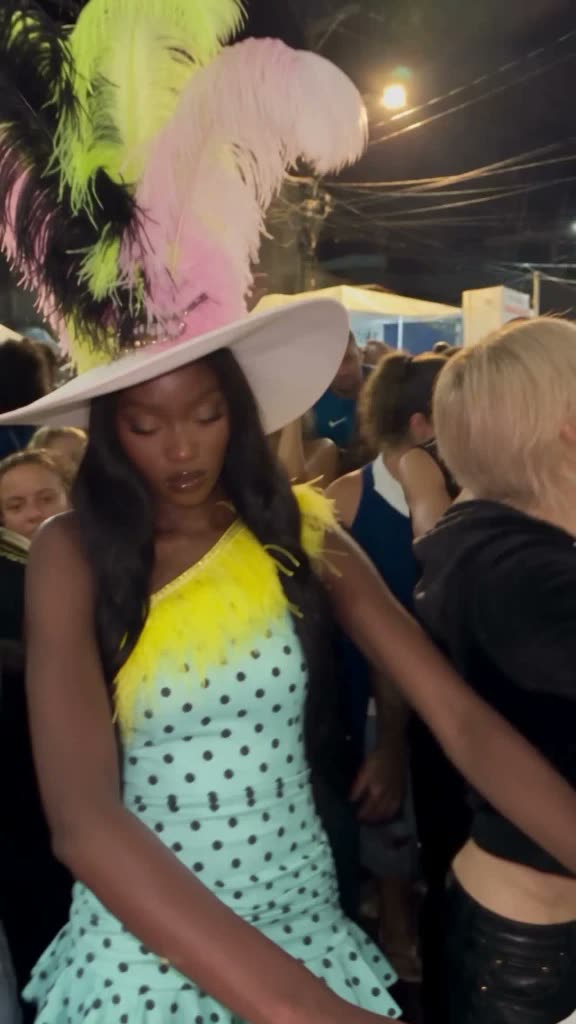
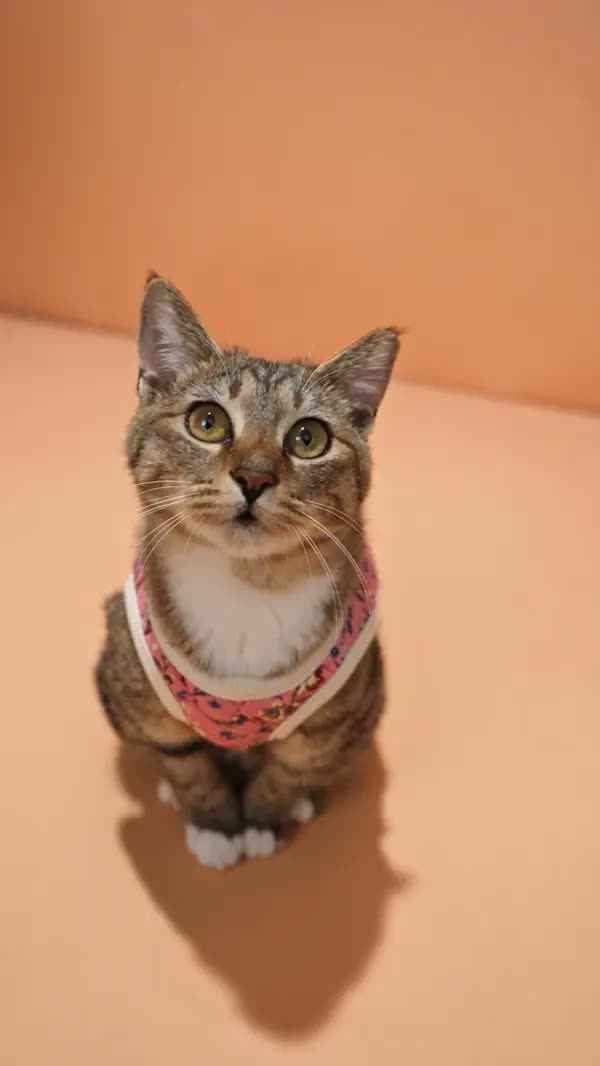
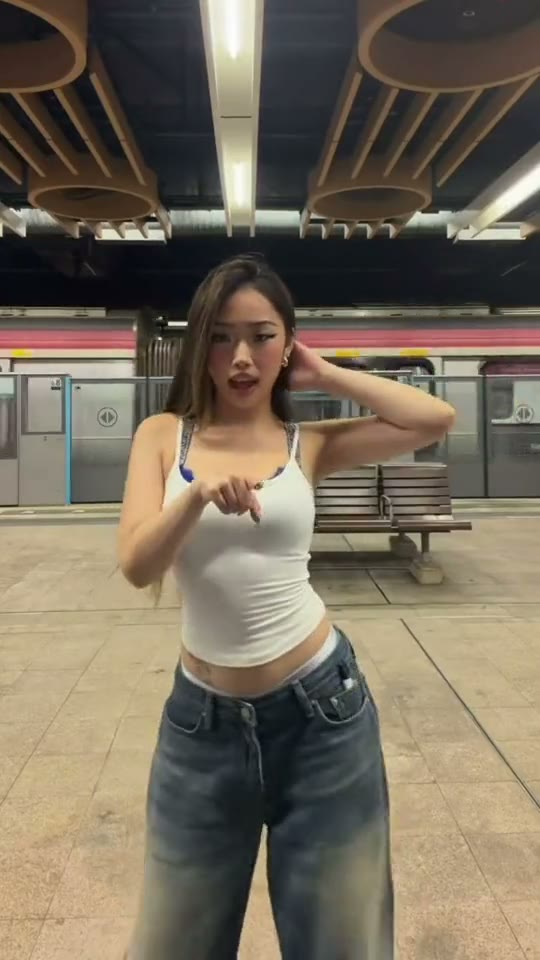
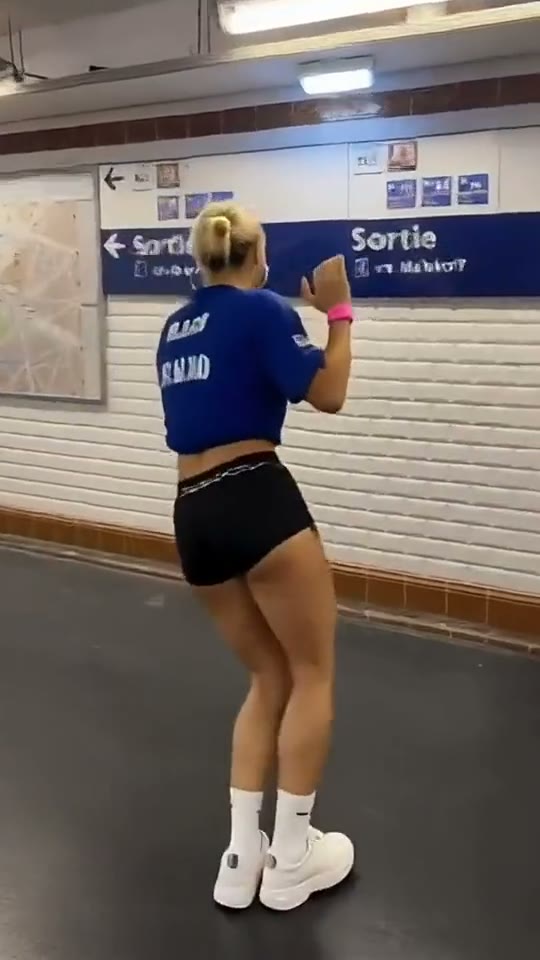
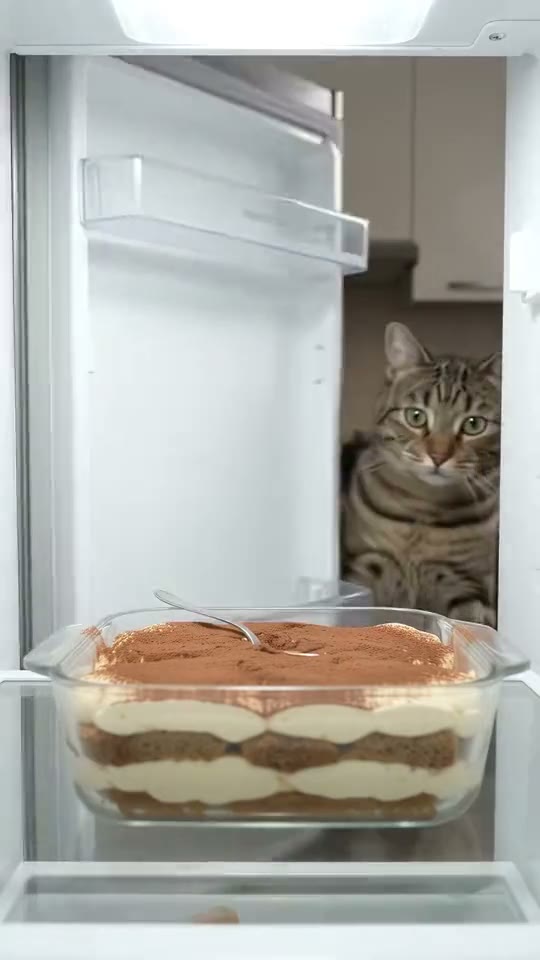
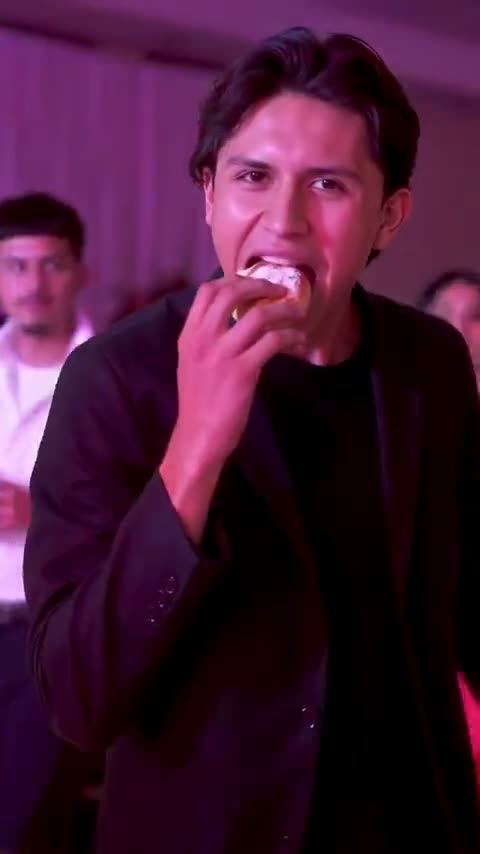
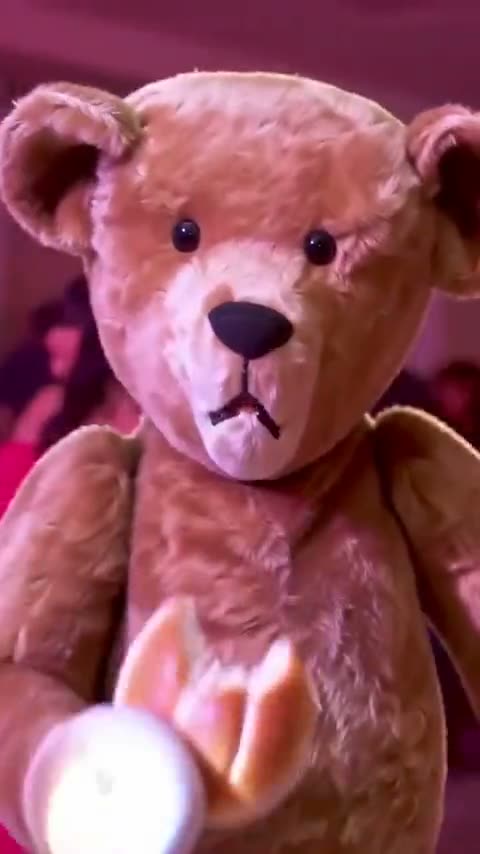
A party dance, a bite of sweet bread and a straight look into the camera. Try it with yourself, your dog or even a plush toy.
Recreate this video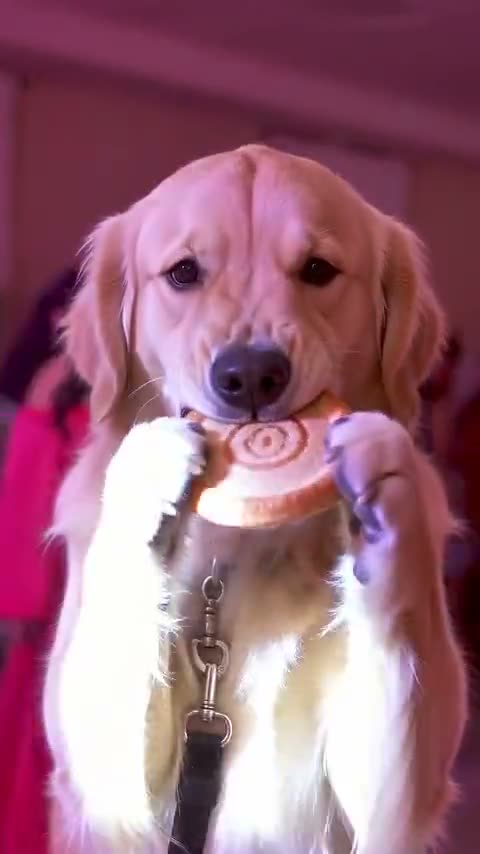
This week’s pick
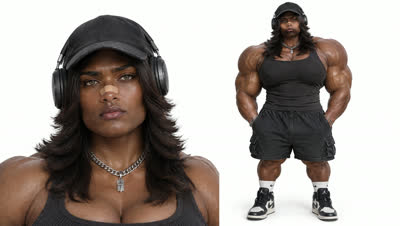
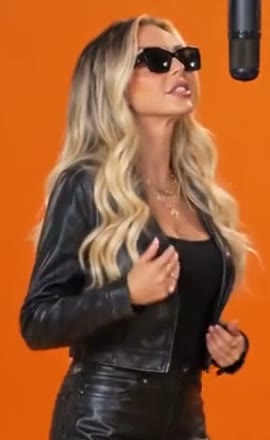
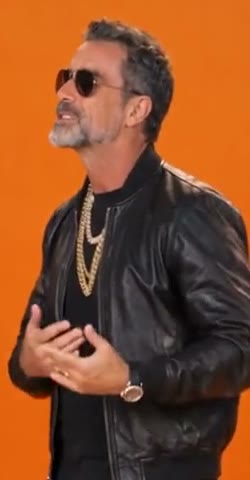
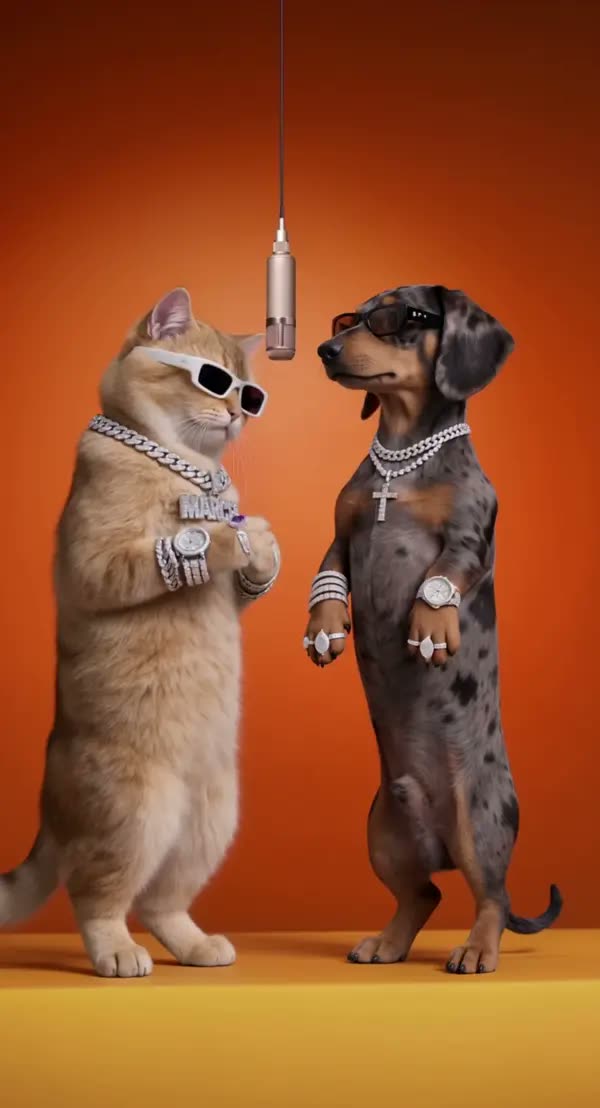
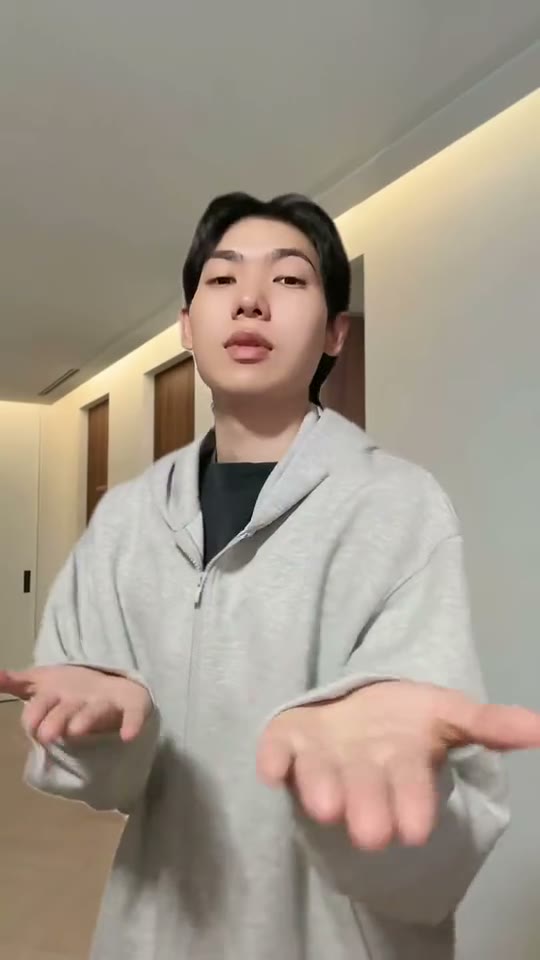
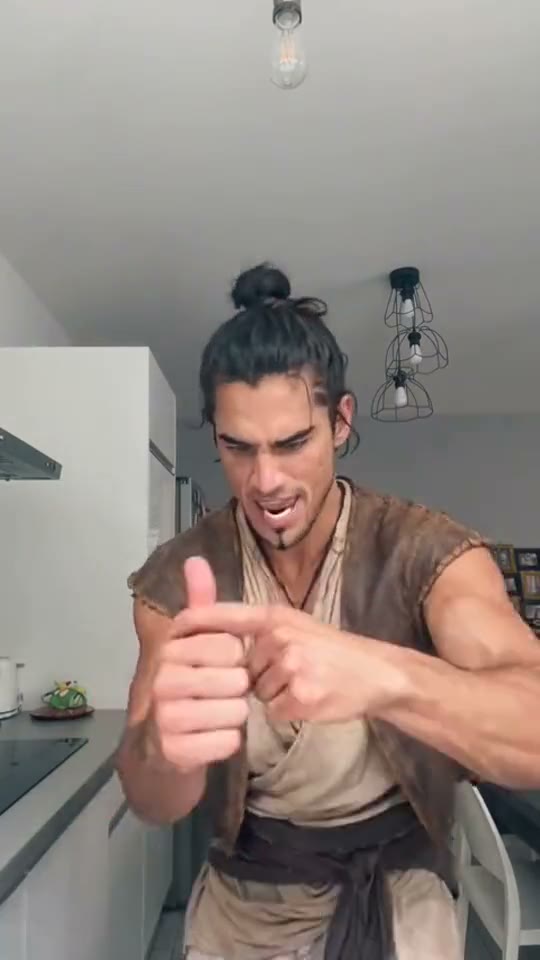
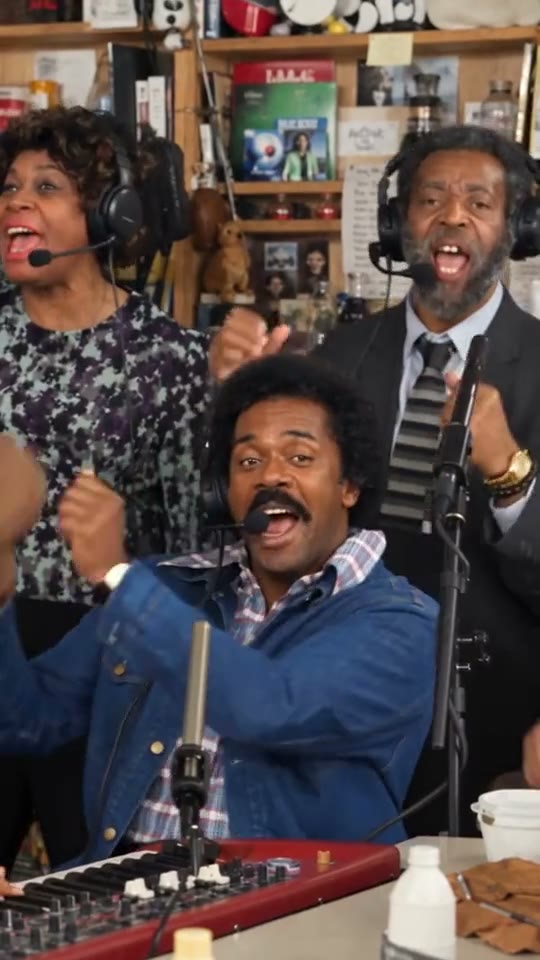
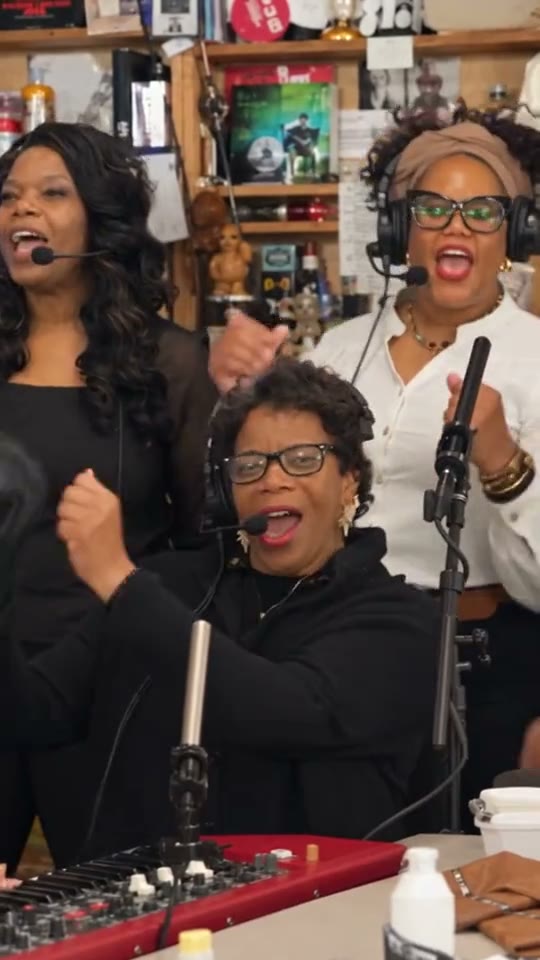
Headphones on, eyes closed. Give the desk concert a new singer and a band of your choice.
Recreate this video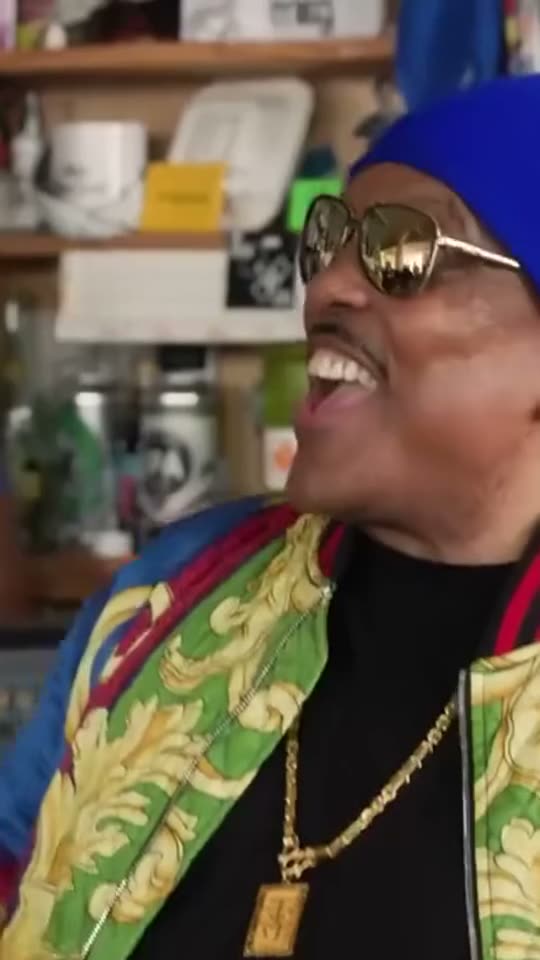
This week’s pick
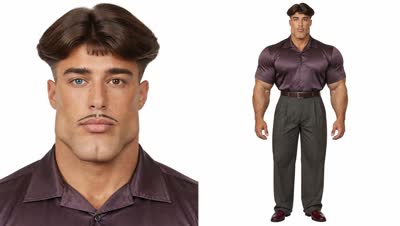
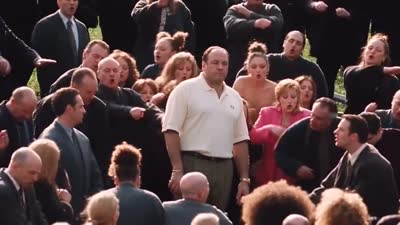
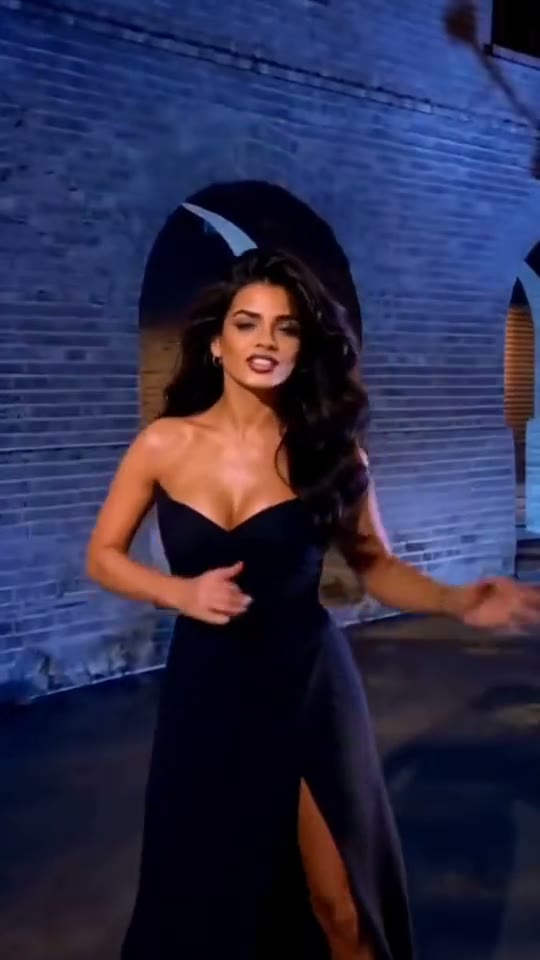
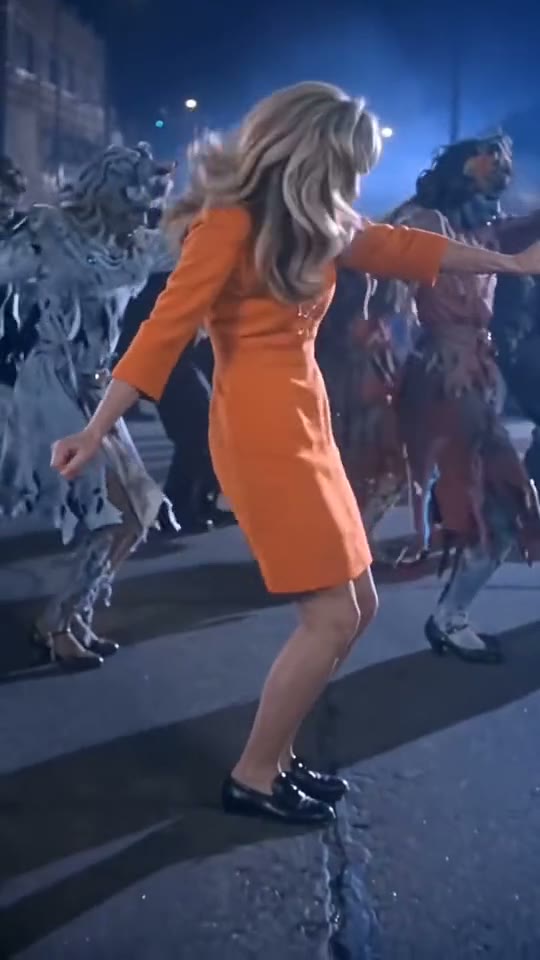
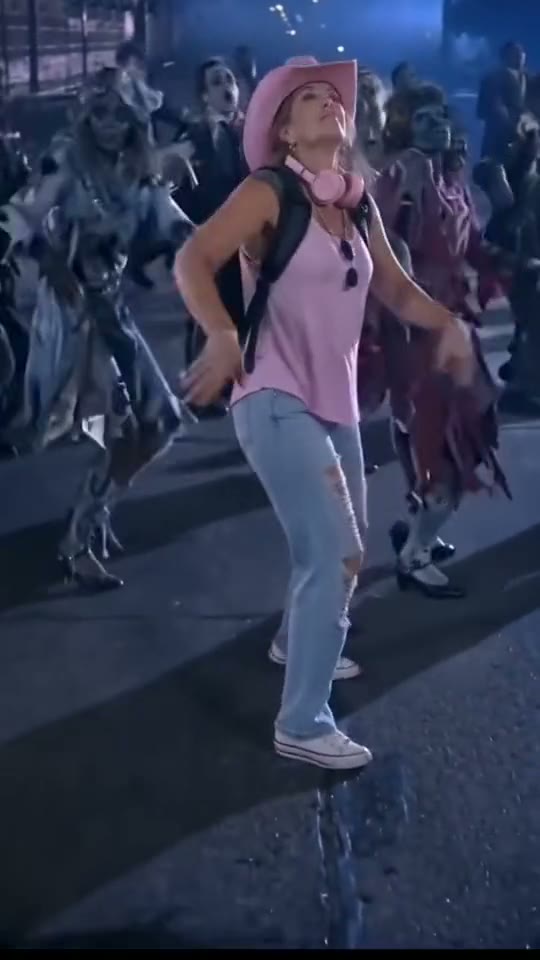
Take the lead in a nighttime zombie dance. The look comes from the photo you bring.
Recreate this video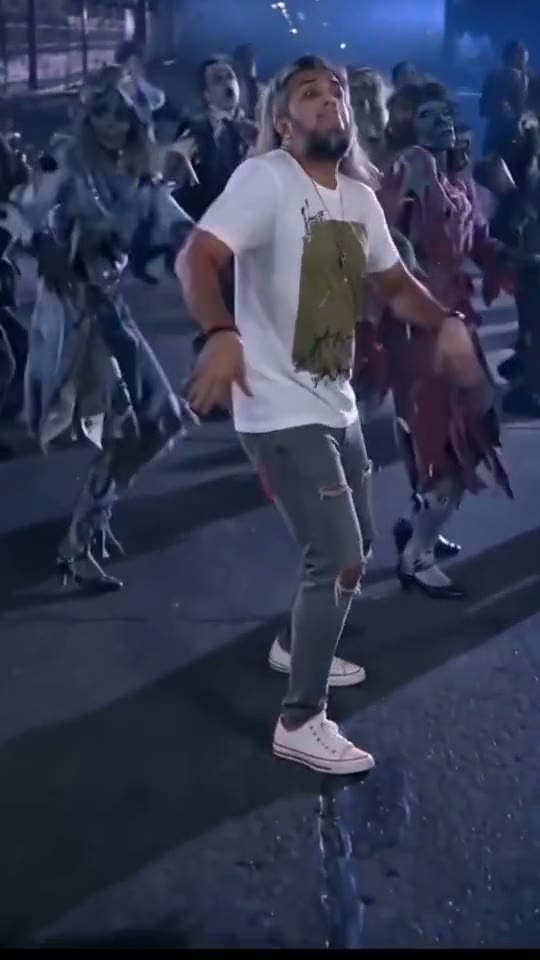
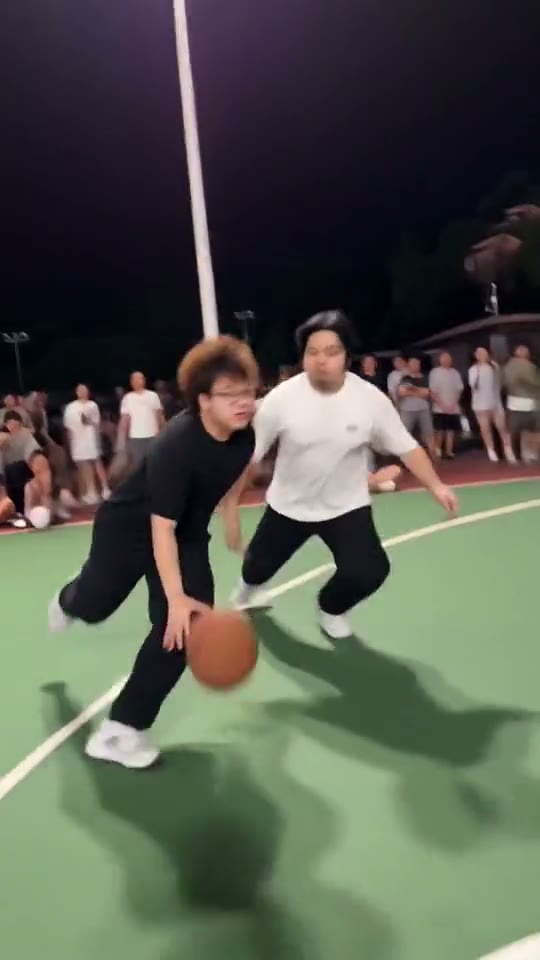
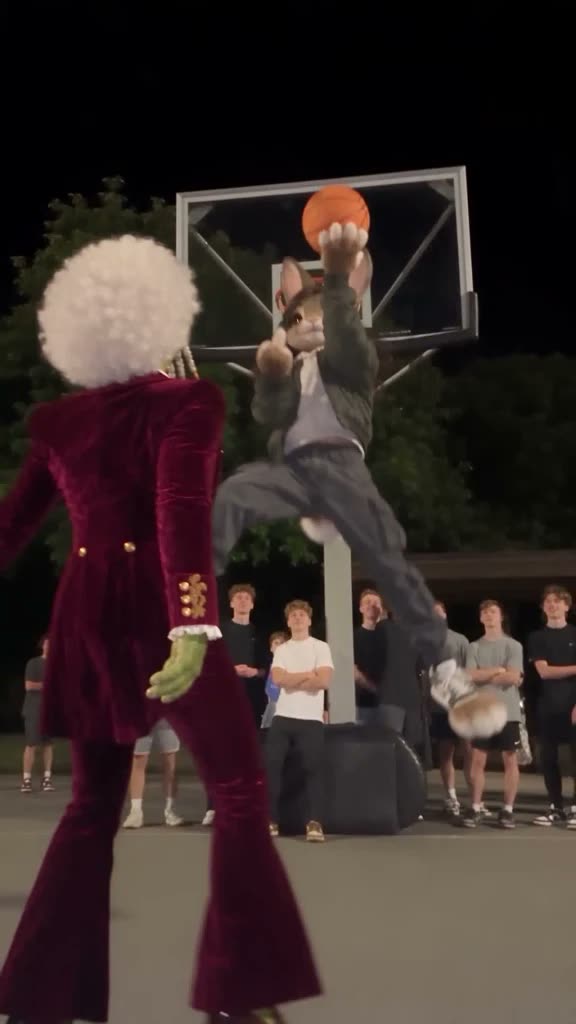
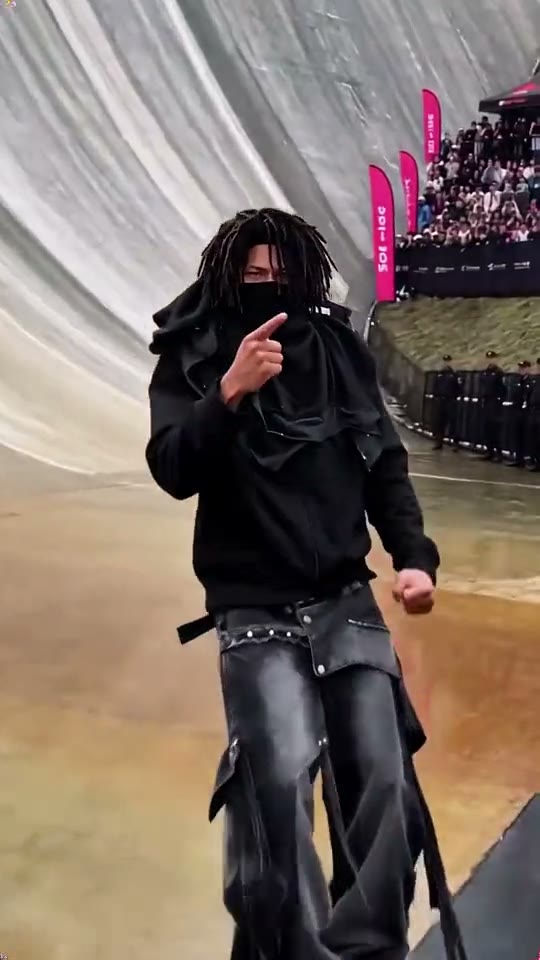
One crossover and a dunk under the floodlights.
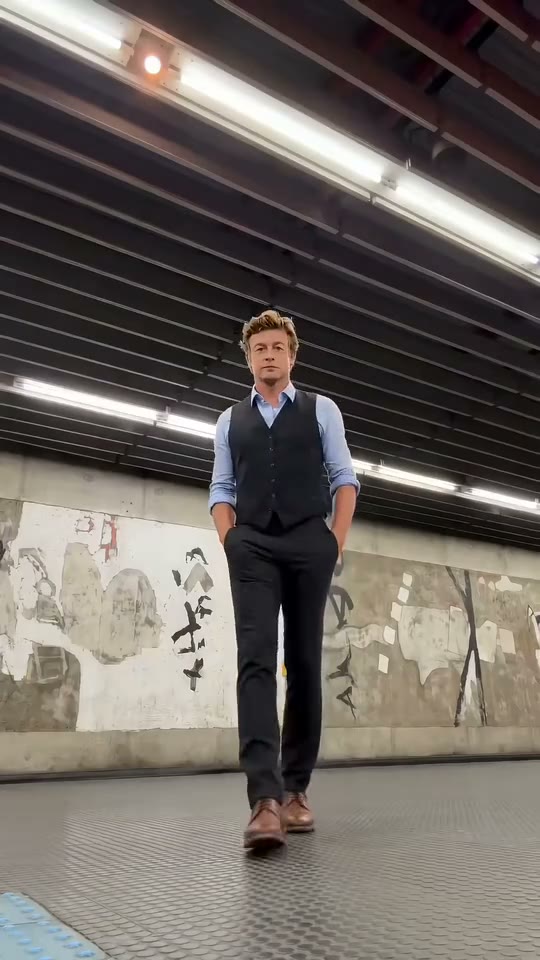
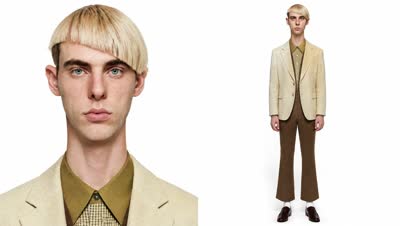
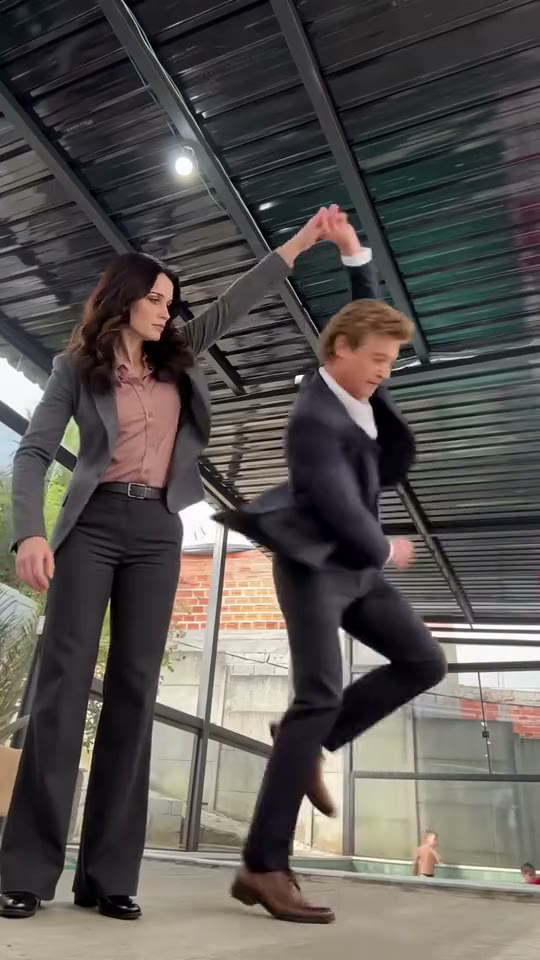
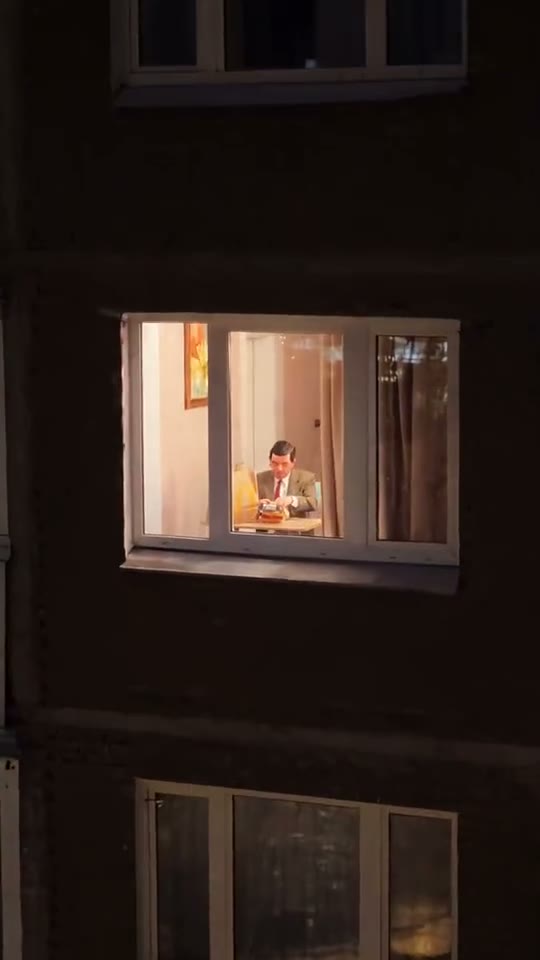
A three-piece suit takes over the dance floor.
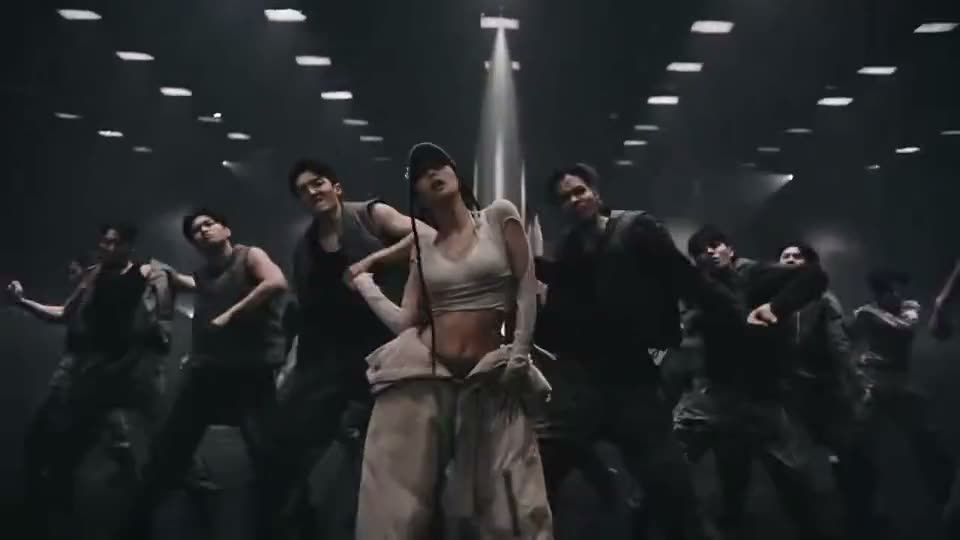
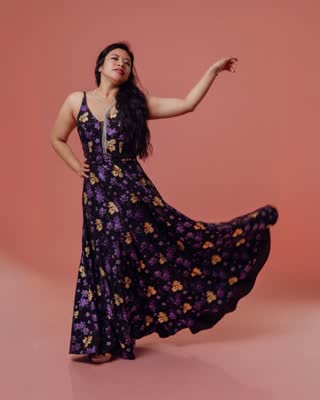
Take center stage for the dance.
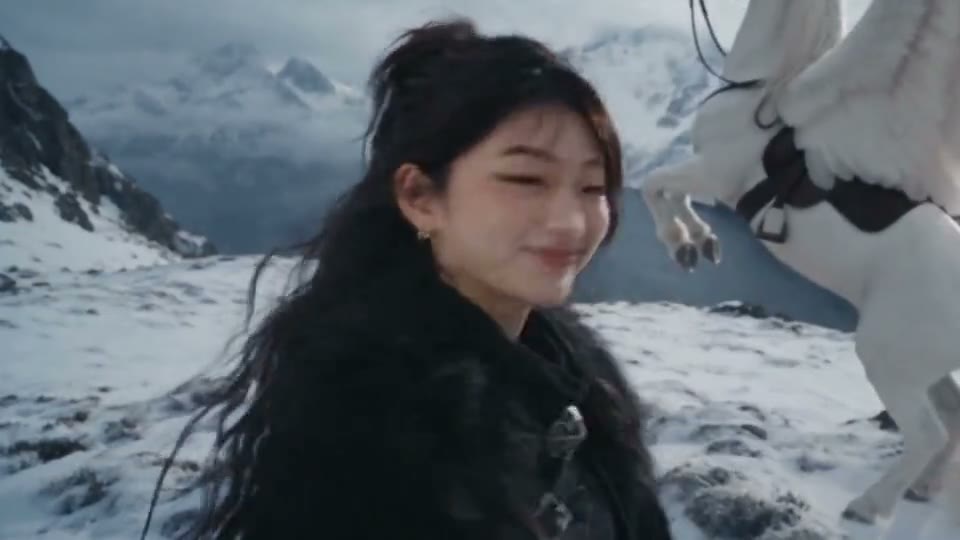
Show the cards and land somewhere unexpected.
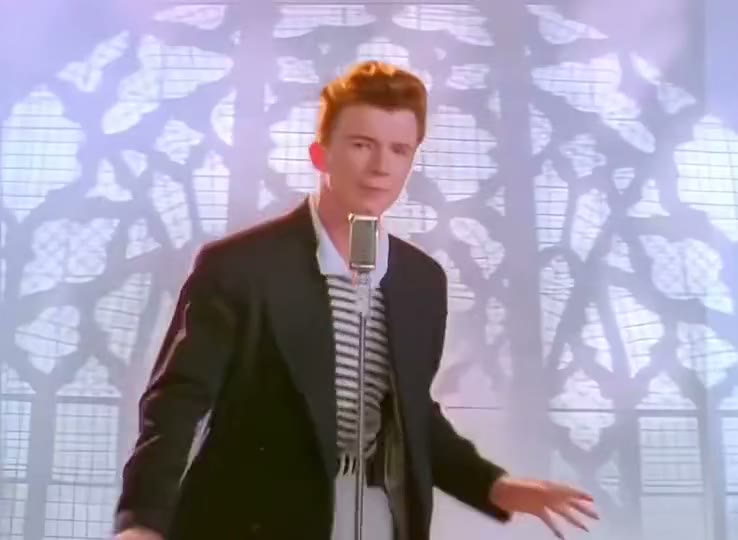
Make a familiar music-video moment yours.
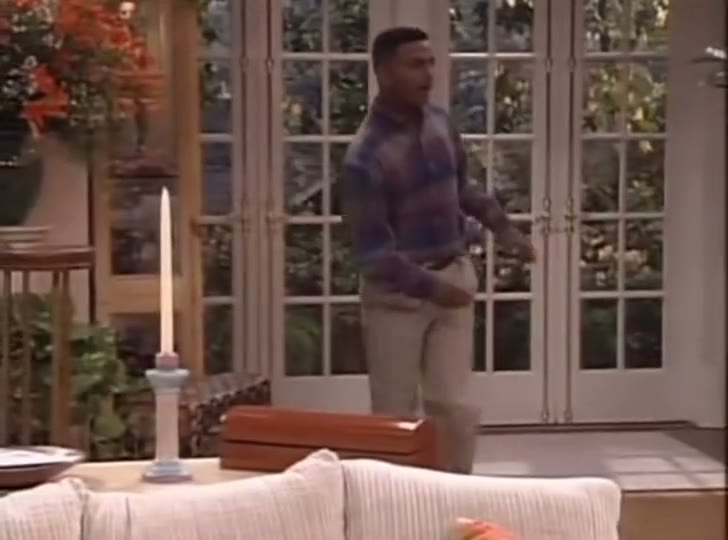
Your take on the Carlton dance.
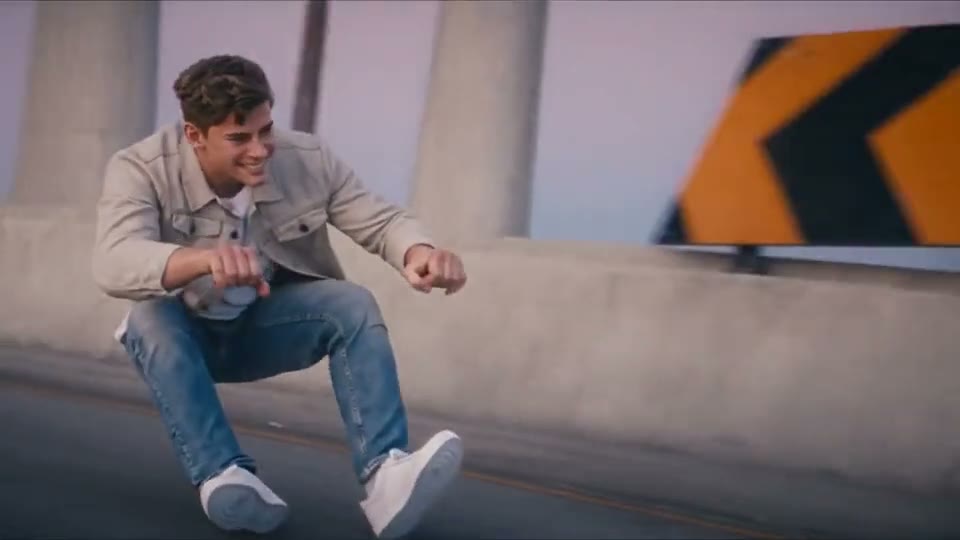
Take the invisible motorbike for a spin.
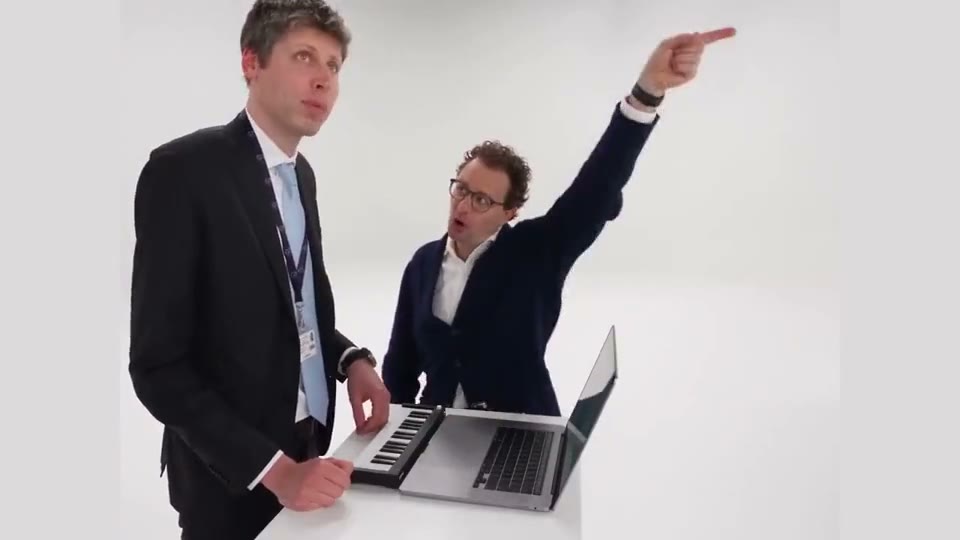
One friend plays while the other hypes them up.
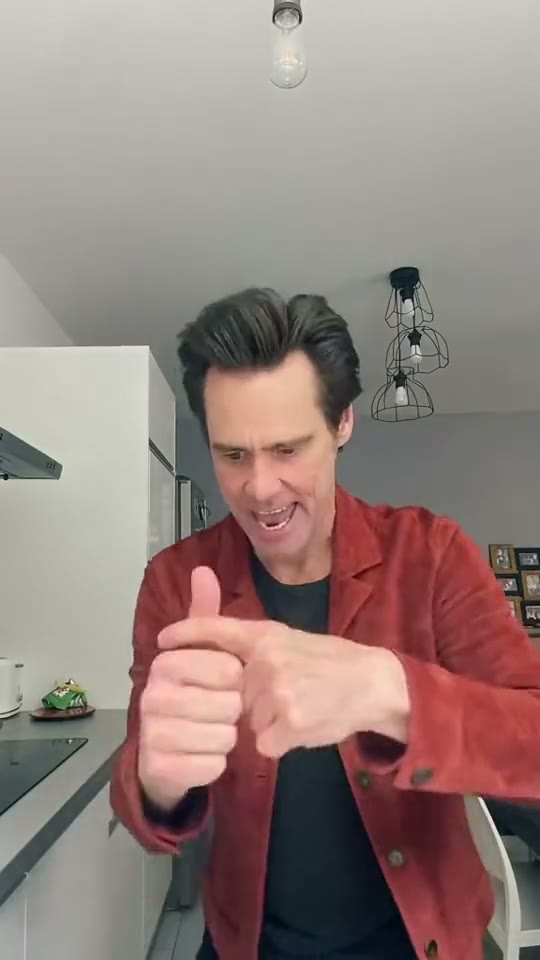
Point, shrug and walk out of the scene.
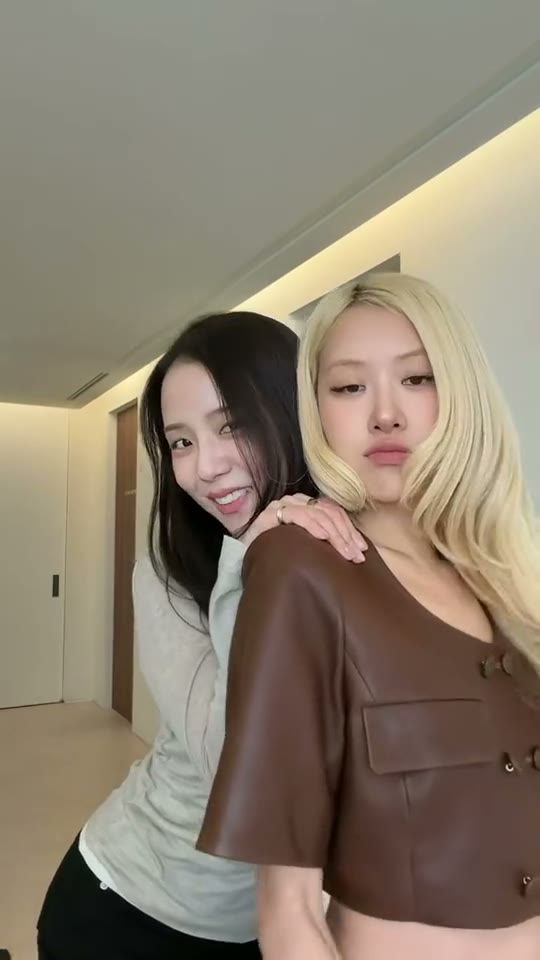
Bring your own look to the Addicted dance.
A meme video generator turns a familiar online scene into a new version. Start from an example with its prompt already filled in, or use a photo and your own creative direction.
Ready-made trends
The video wall lets you see a scene before you start. Choose Recreate to load the example’s prompt, then add the photo you want to use.
Trending This WeekYour own idea
Bring a photo of a friend, pet or product and describe the scene. Set the action and framing yourself, or adapt an example’s prompt.
Try it with your photosSee what each format looks like before starting a draft.
Add a photo to give the scene a new person, pet or product.
Choose vertical framing when the selected model supports it, then download the finished clip for TikTok, Reels or Shorts.
Pick a clip in the gallery, add your photo, then review the credit quote and generate. Download the finished video from your results.
Hover over a video to preview it. Choose Recreate to start with its prompt in the editor.
Upload a clear photo of your subject. Edit the prompt if you want to change the action, angle or setting.
Review the settings and credit quote before generating. Open the finished result to download your video.
From a group-chat joke to a product shot, here are eight ways to make a familiar clip your own.
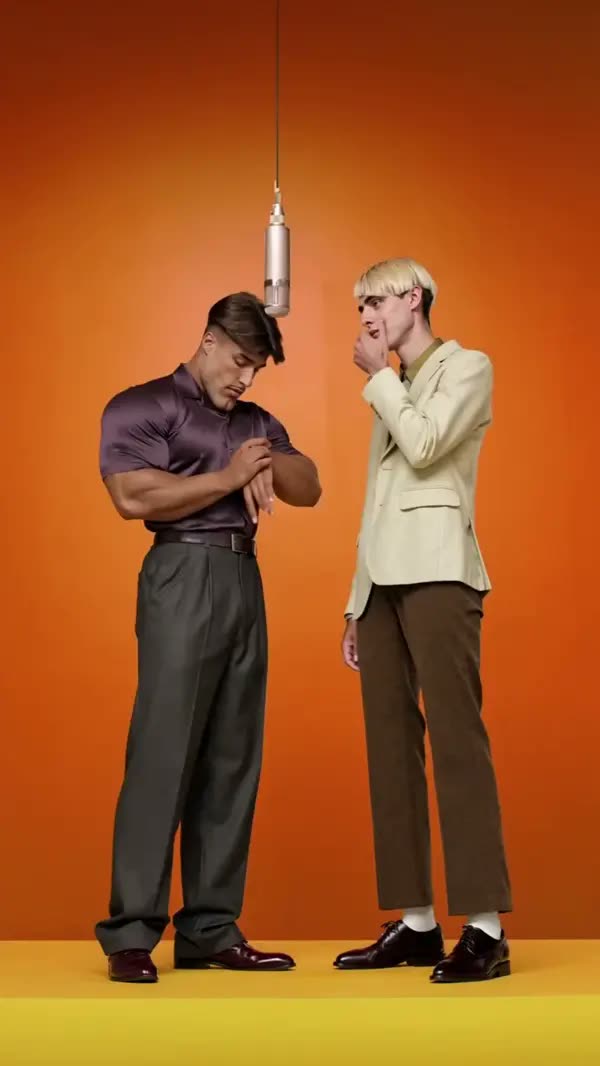
Turn a familiar duet into something your group chat can share.
Recreate this video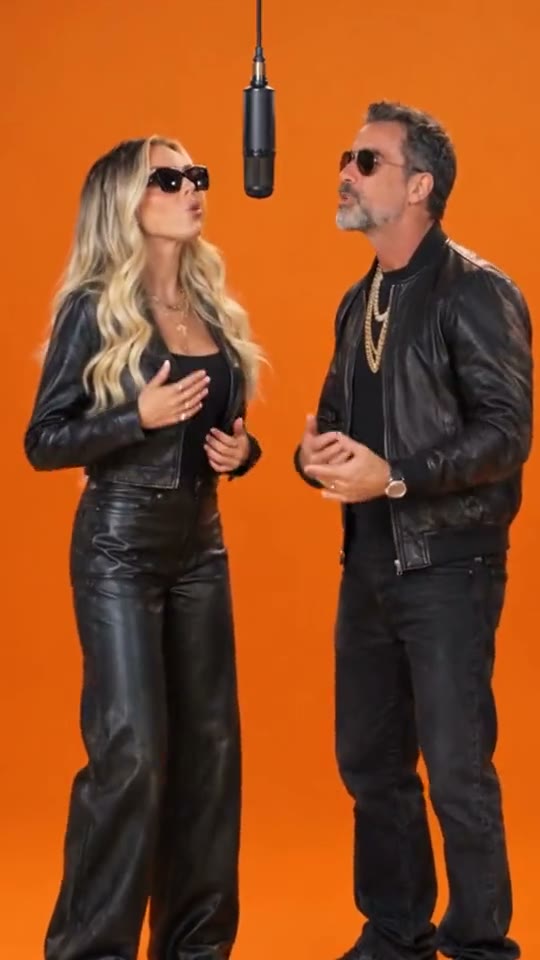
Use a duet or dance format for an anniversary or a surprise.
Recreate this video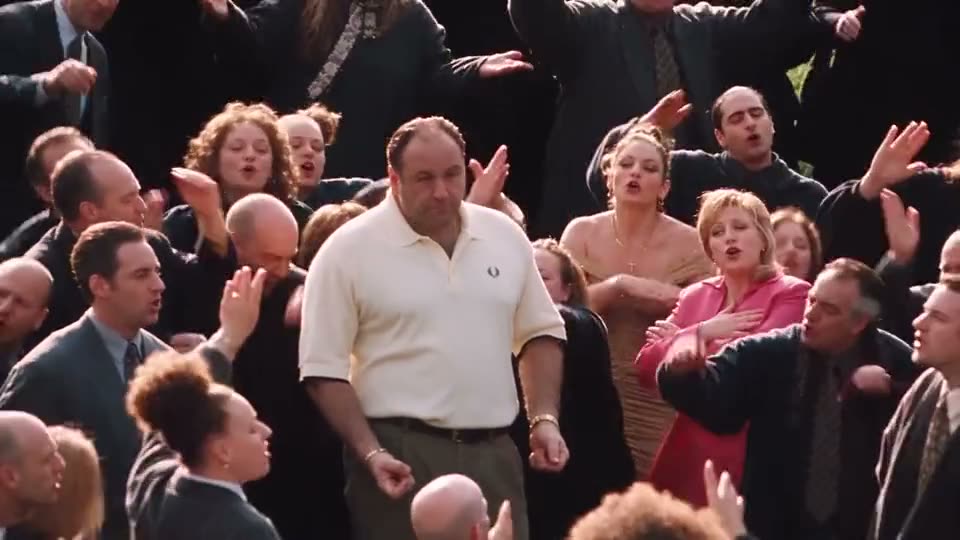
Make a family celebration or reaction clip with photos they agree to share.
Recreate this video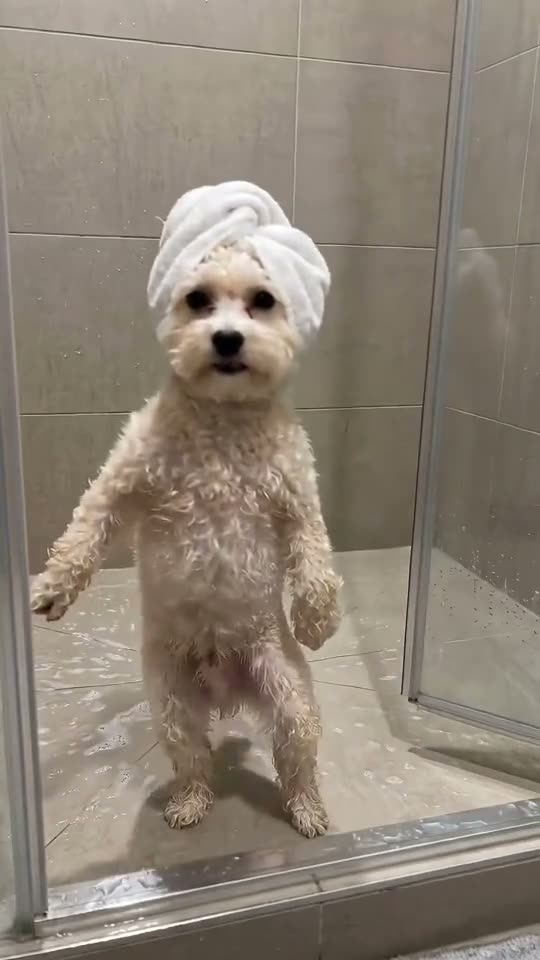
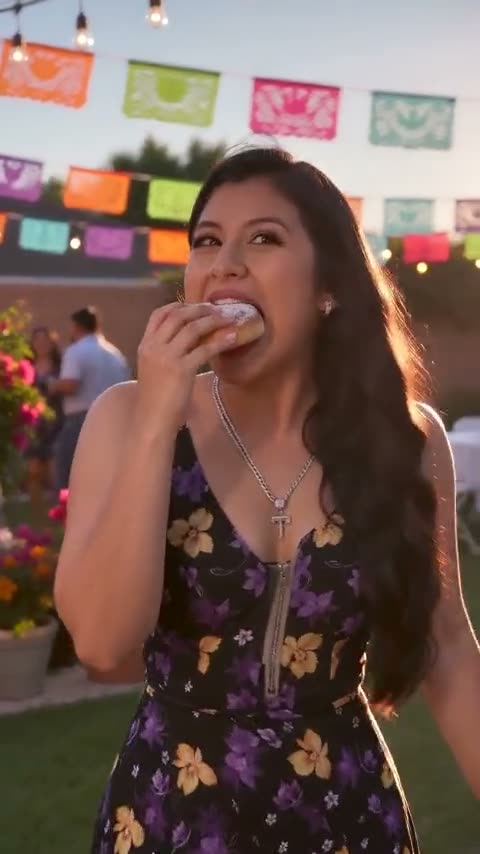
Make a short party clip to send in a group chat or show at an event.
Recreate this video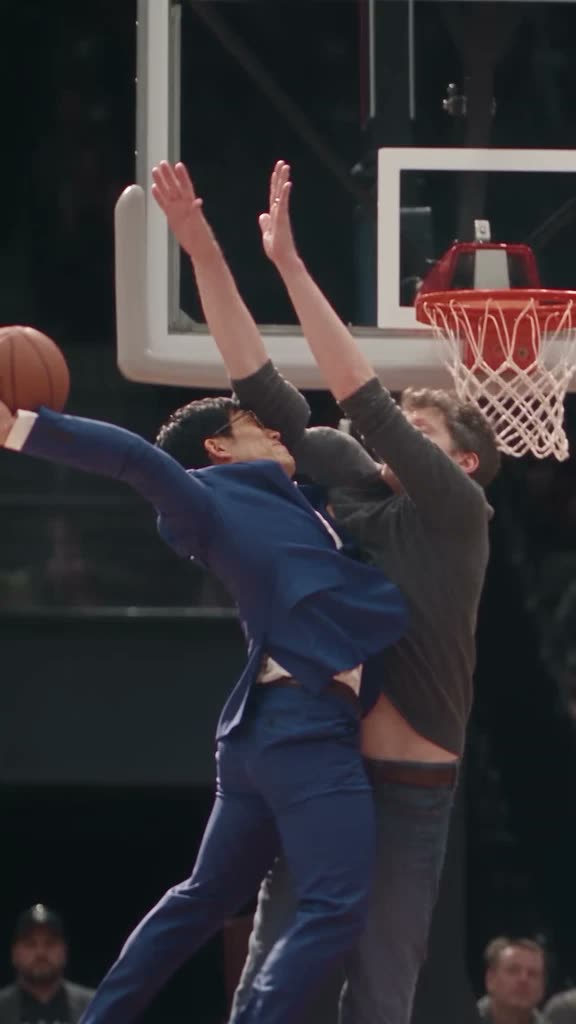
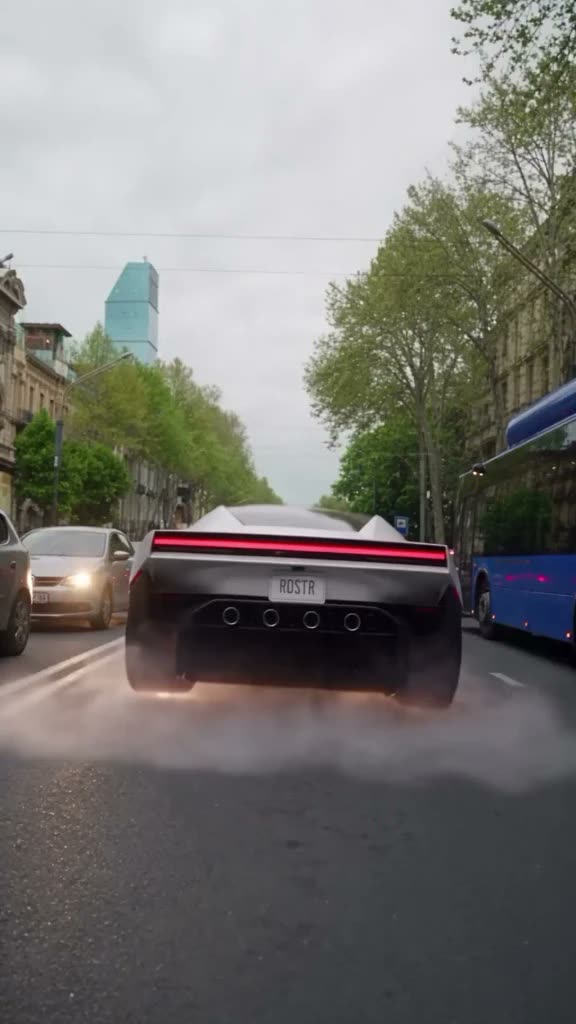
Try a familiar scene with your product as the focus of the shot.
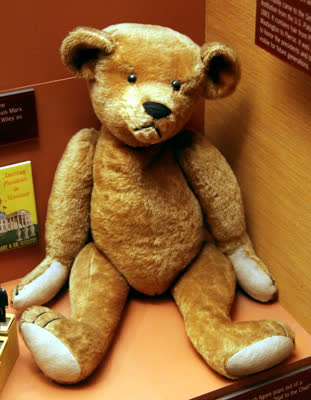
Recreate this videoBring a plush toy, mascot or character to life in a short clip.
Recreate this videoTry a reaction meme, a holiday greeting or a team celebration using a photo and your own direction.
Why Pavo AI Video
Choose a clip for a head start on the prompt, or write a new scene. Preview the idea, check its settings and credit quote, then generate when you’re ready.
Try it with your photosThe example’s prompt is filled in when you choose Recreate. You can adjust it before generating.
Preview the examples and load the direction behind the clip into the generator.
Start with a clear photo of whatever should appear in the scene.
Choose a clip, add a photo and generate in one editor. Your finished video appears in results.
The cost depends on the selected model and settings. Review the quote in the editor before generating, especially after changing a model, duration or resolution.
Use the generator in your desktop or mobile browser.
| Workflow comparison | Ready-made trends | Text to video | Manual editing |
|---|---|---|---|
| Starting point | Ready-made trends | Your own idea | Raw footage |
| Prompt included | Prefilled and editable | Write your own | — |
| Subject photo | Add a reference photo | Model dependent | Manual editing |
| See the cost up front | Quote before you generate | Quote before you generate | — |
Pricing
Pay once for an eligible single video or buy a credit pack for multiple projects. Plans are also available for recurring use. The editor shows the quote for your settings before you generate.
Open an example and choose your settings to see the quote.
See the quote in the editor
See the quote in the editor
See the quote in the editor
A meme video generator turns a familiar online scene into a new version. Start from an example with its prompt already filled in, or use a photo and your own creative direction.
Pick a clip in the gallery, add your photo, then review the credit quote and generate. Download the finished video from your results.
Choose a clip, add a photo and generate in one editor. Your finished video appears in results.
The cost depends on the selected model and settings. Review the quote in the editor before generating, especially after changing a model, duration or resolution.
Eligible accounts can earn free credits through daily check-ins. Sign in to see your balance and the options available to you.
Explore the clips in rotation this week. Pick a trend to start with its prompt, then make it your own.
Yes. Pick a model that supports reference images and upload a file you have permission to use. The editor shows the supported options.
The template opens a draft for you to review. Add your own images and confirm the settings before you submit it.
Check the task status and your credit history. If a confirmed technical error left credits deducted, contact support to have those credits restored.
Open the completed result in your workspace and use its download action. You can also find past creations in your history.
Choose vertical framing when the selected model supports it, then download the finished clip for TikTok, Reels or Shorts.
Trending This Week
Pick a trend, bring a photo and make a clip of your own while the format is still fresh.