Like Jennie AI Dance Video Generator
Take the front spot in a synchronized dance formation. Bring your own photo, pick a studio or stage example, and set the look of the lead performer.
- Create right in your browser
- Upload your own photos
- Failed renders return credits
- Start with a ready-to-use prompt
- Ready for TikTok, Reels and Shorts
The clip is a preview. Pavo AI Video generates from your photo and prompt.
Use photos you own or have permission to edit. No impersonation, intimate deepfakes, or sexualized depictions of children. Content rules · Report misuse
About the trend
What is the Like Jennie AI trend?
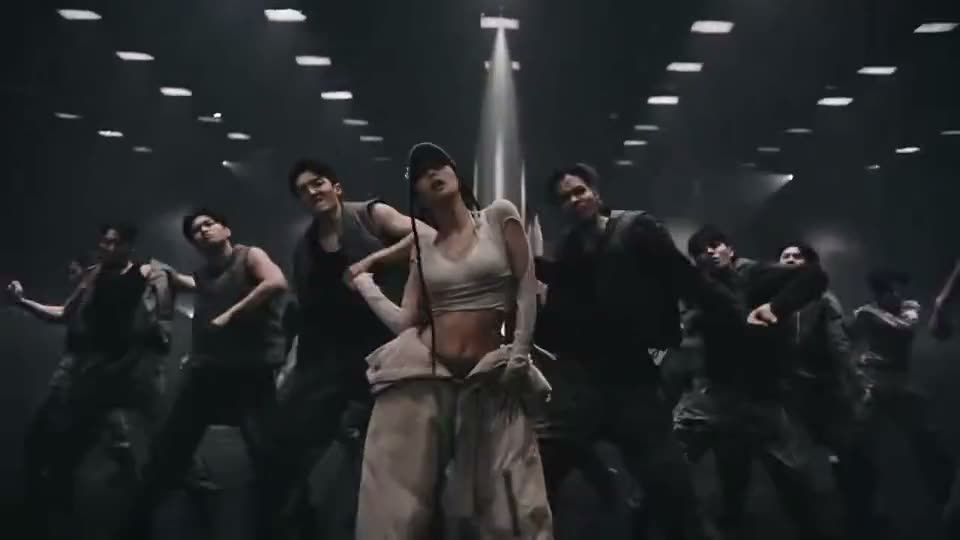
A dancer at the front sets the rhythm for the group. The spacing and coordinated moves give the lead a strong silhouette against the lineup.
- Create right in your browser
- Upload your own photos
- Start with a ready-to-use prompt
- Ready for TikTok, Reels and Shorts
How to Make a Like Jennie AI Video
Use the example already loaded in the editor, or choose a different version before adding your photo.
- 1
Pick a Video
Hover over a video to preview it. Choose Recreate to start with its prompt in the editor.
- 2
Add Your Photo
Upload a clear photo of your subject. Edit the prompt if you want to change the action, angle or setting.
- 3
Generate and Download
Review the settings and credit quote before generating. Open the finished result to download your video.
Pick Your Like Jennie AI Example
Choose a scene to load its video and prompt into the editor. Your uploaded photo stays in place when you switch examples.
The Original
Video length · 20s
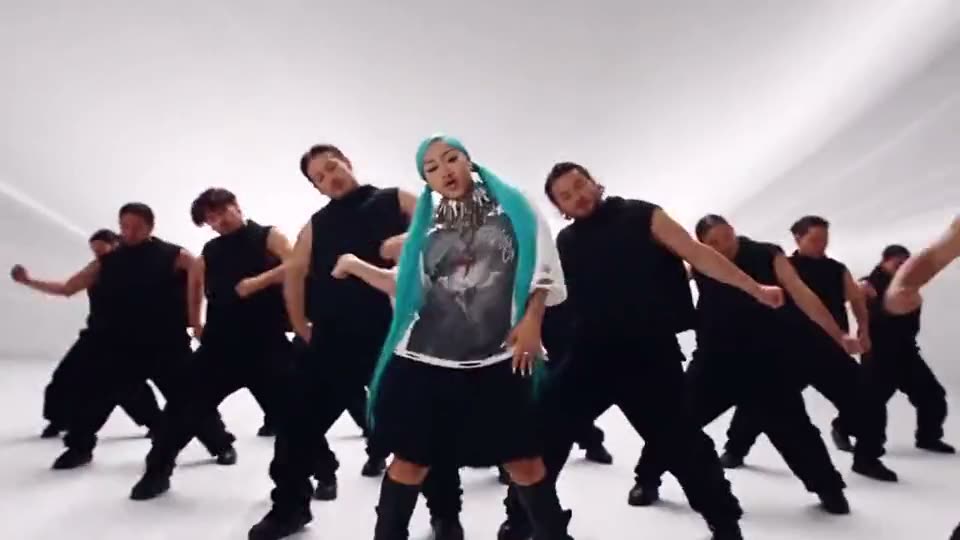
Teal Hair in the White Studio
Video length · 15s
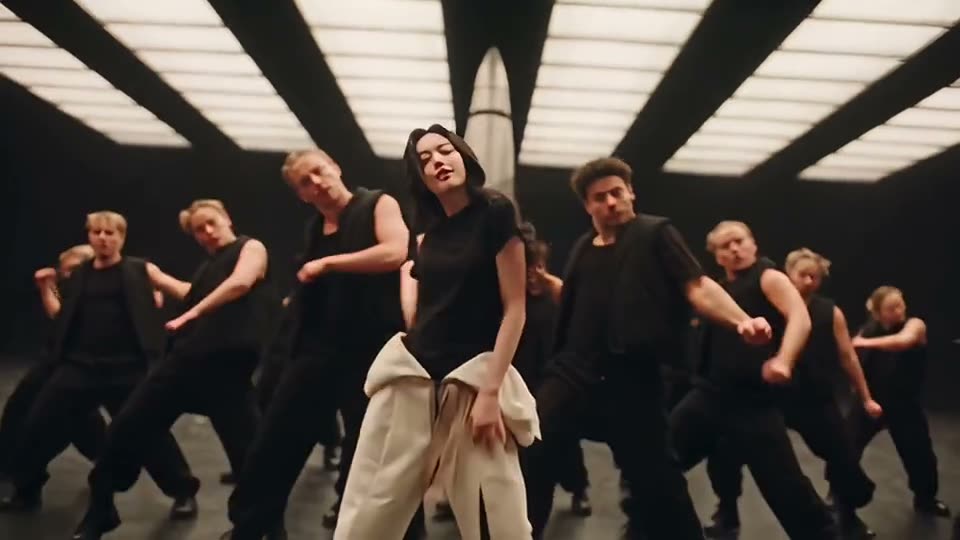
Black Tee Under the Light Beams
Video length · 9s
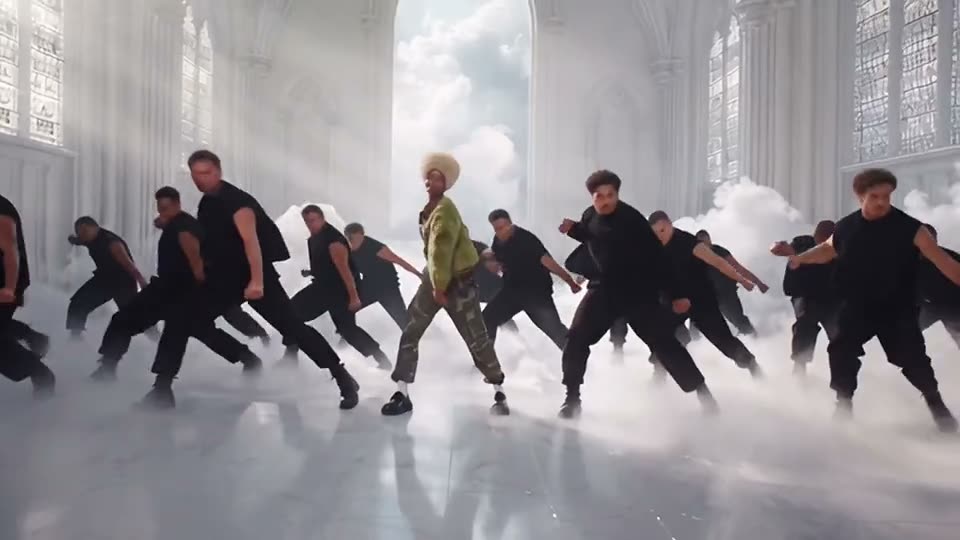
Green Jacket in the Smoke
Video length · 7s
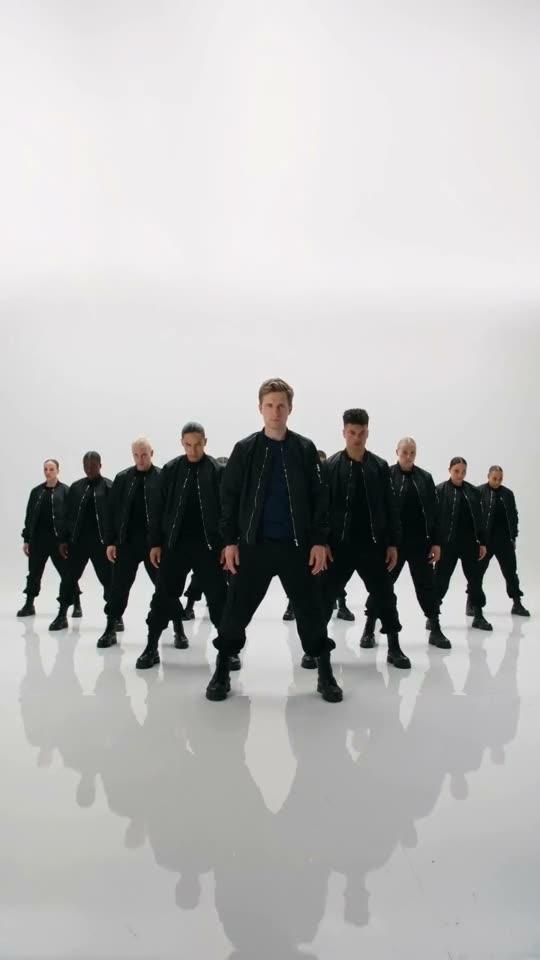
Bomber Jacket, Vertical
Video length · 10s
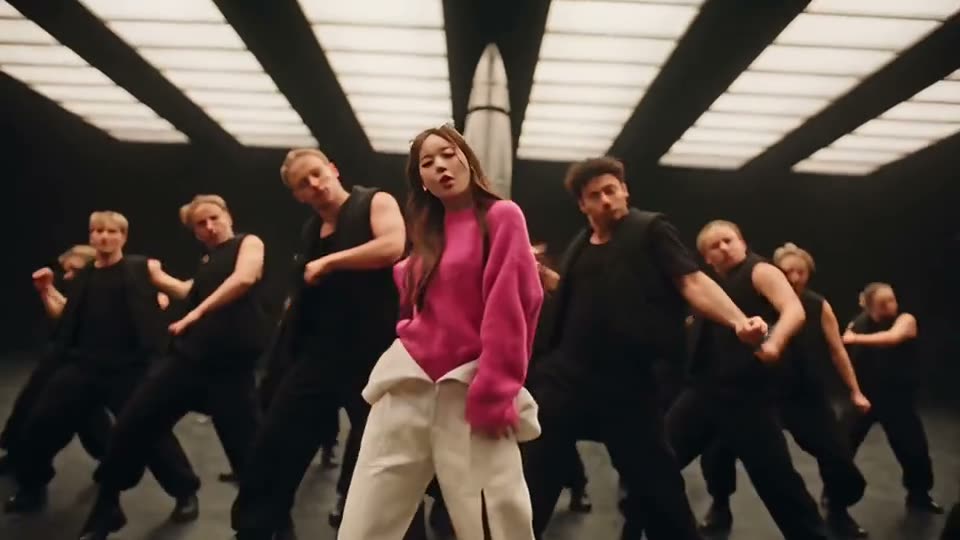
Pink Sweater Lead
Video length · 9s
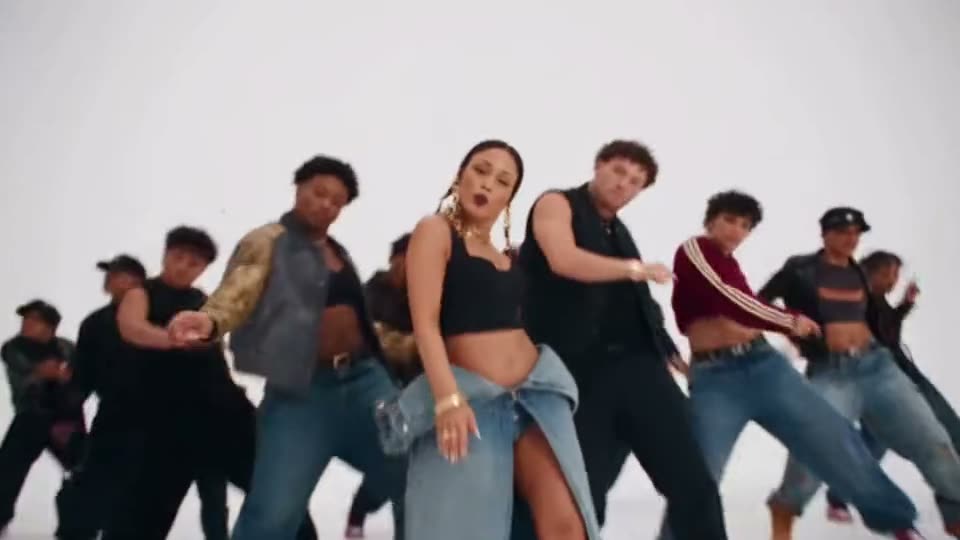
Denim Crew
Video length · 20s
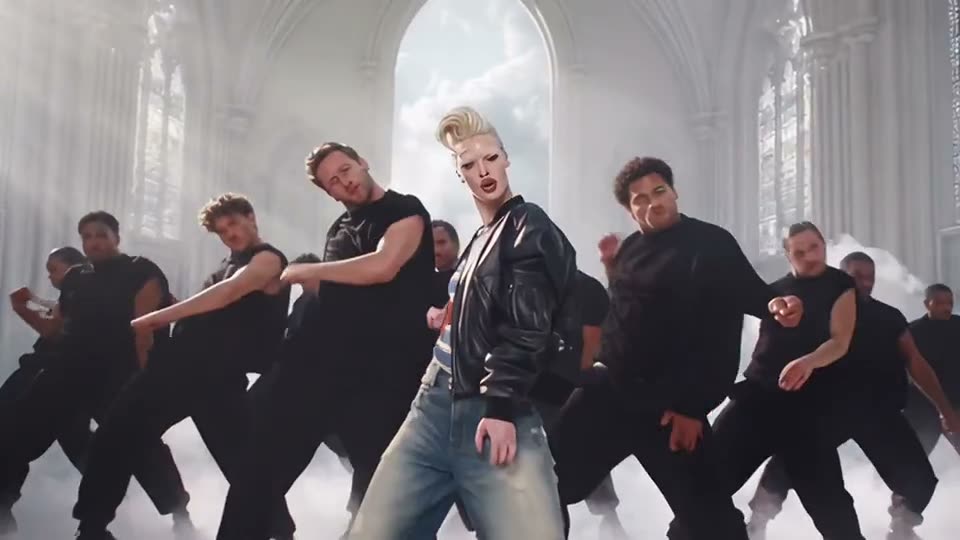
Striped Shirt and Leather
Video length · 7s
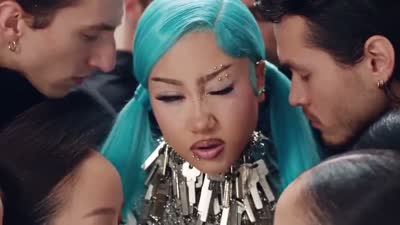
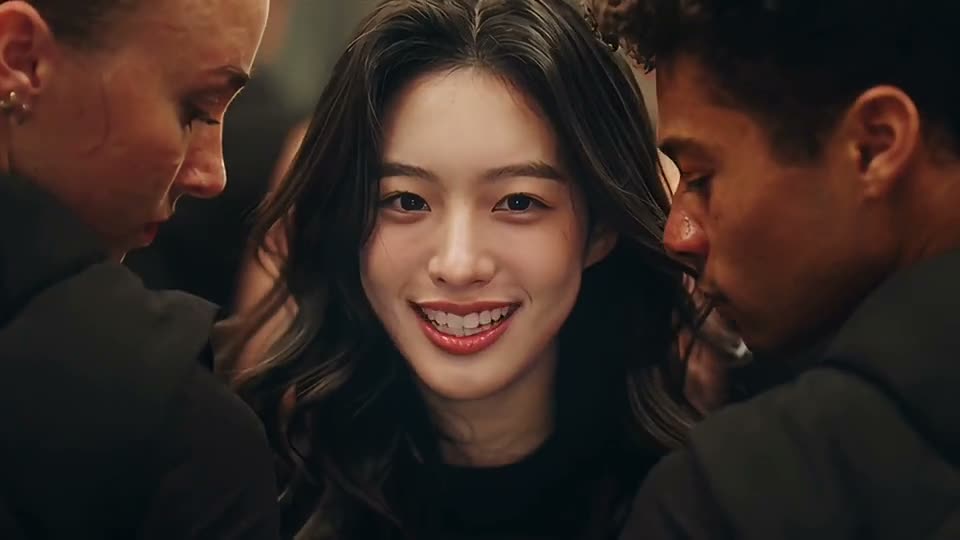
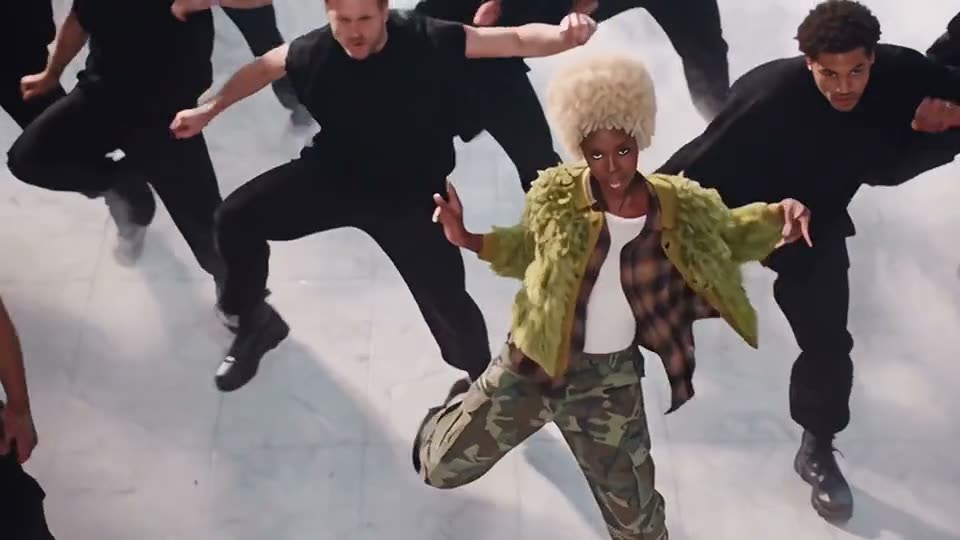
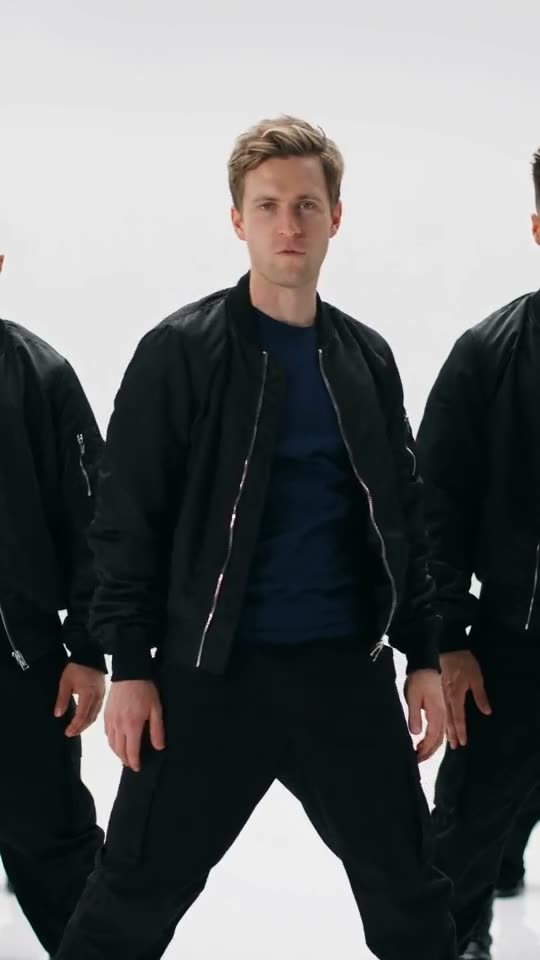
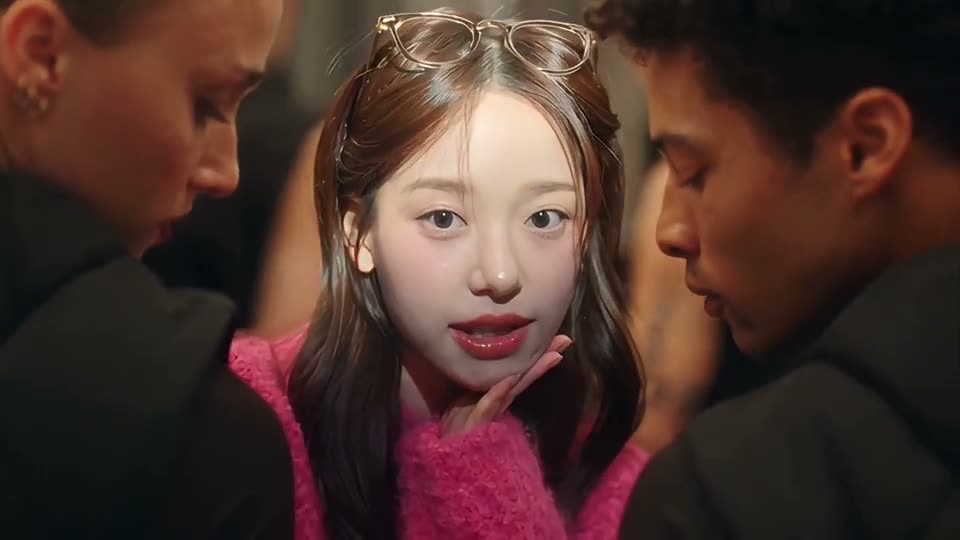
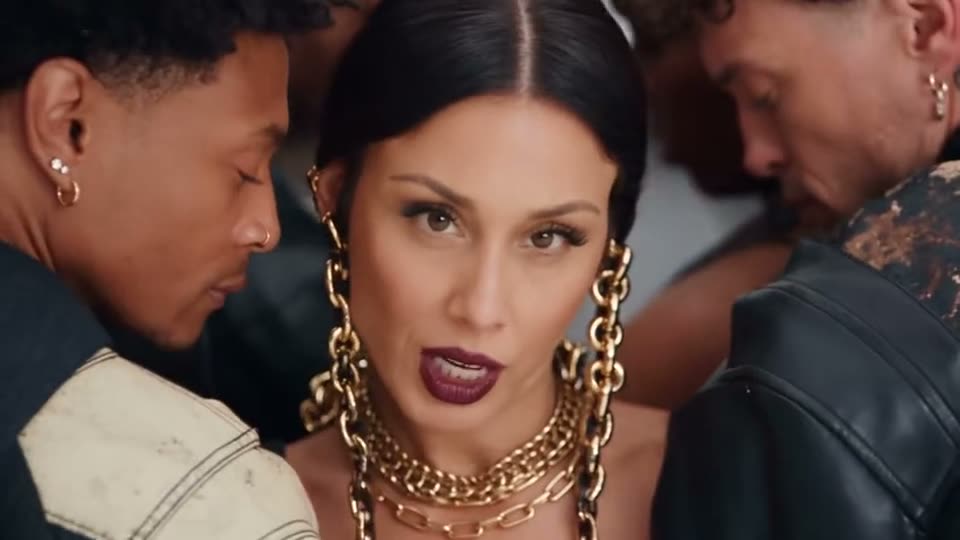
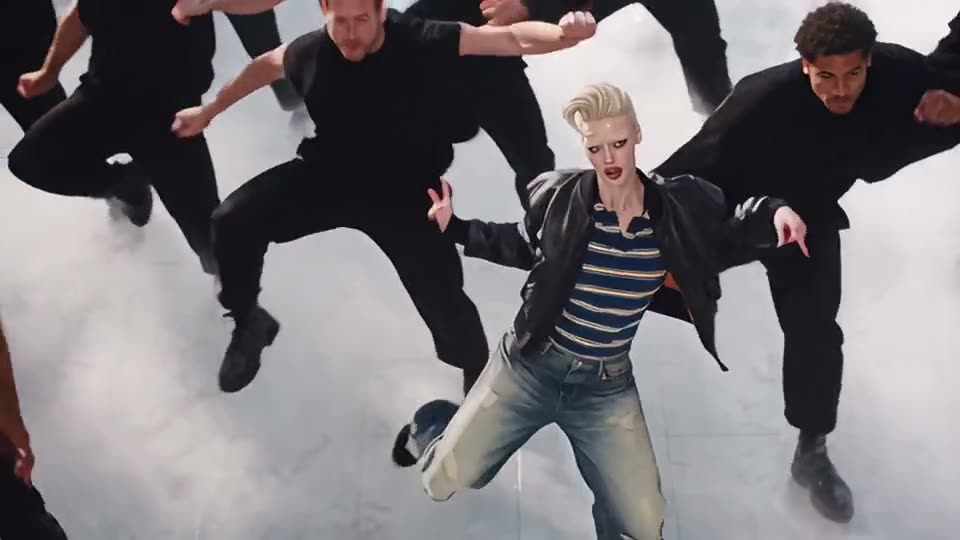
Tips for a Better Like Jennie AI Video
Use a clear photo with room around your shoulders, and describe how the group should be arranged behind you.
Match the framing
Use a photo with enough space around the subject for the movement in your chosen scene.
Keep the subject visible
Choose an evenly lit photo with the face or main subject in focus.
Use photos you can share
Upload your own photo or a photo you have permission to use.
Why Pavo AI Video
Make Like Jennie AI in Pavo
Start from an example, add your own photo and refine the prompt in the same editor.
Try it with your photosPrompt included
The example’s prompt is filled in when you choose Recreate. You can adjust it before generating.
Pick a trend you like
Preview the examples and load the direction behind the clip into the generator.
People, pets and products
Start with a clear photo of whatever should appear in the scene.
Simple from draft to download
Choose a clip, add a photo and generate in one editor. Your finished video appears in results.
See the cost up front
The cost depends on the selected model and settings. Review the quote in the editor before generating, especially after changing a model, duration or resolution.
Nothing to install
Use the generator in your desktop or mobile browser.
| Workflow comparison | Ready-made trends | Text to video | Manual editing |
|---|---|---|---|
| Starting point | Ready-made trends | Your own idea | Raw footage |
| Prompt included | Prefilled and editable | Write your own | — |
| Subject photo | Add a reference photo | Model dependent | Manual editing |
| See the cost up front | Quote before you generate | Quote before you generate | — |
Want to Write Your Own Prompt?
How it worksPricing
Credits for Every Project. Pick What Fits.
Pay once for an eligible single video or buy a credit pack for multiple projects. Plans are also available for recurring use. The editor shows the quote for your settings before you generate.
- Credit Packs
- Quote before you generate
- One-time
- Create every month
Check a Video Quote
Open an example and choose your settings to see the quote.
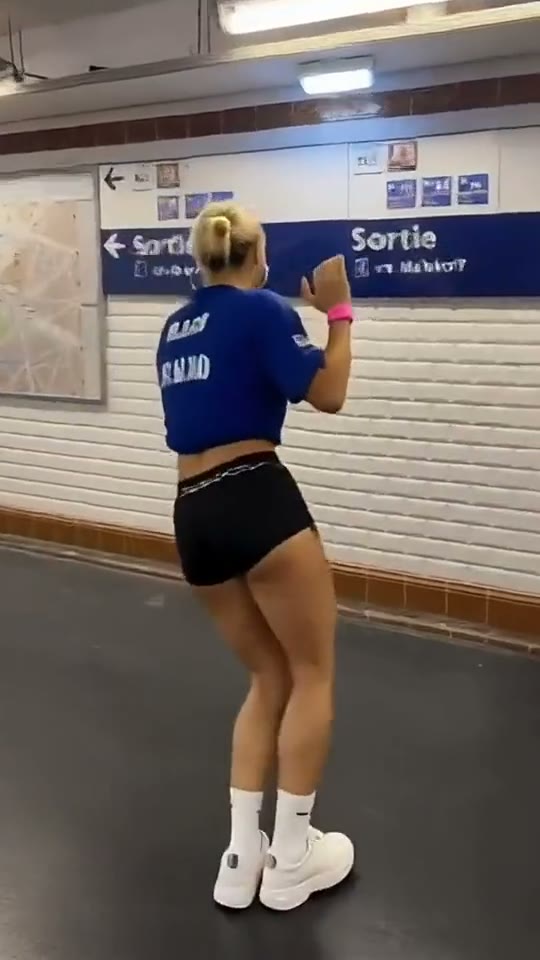
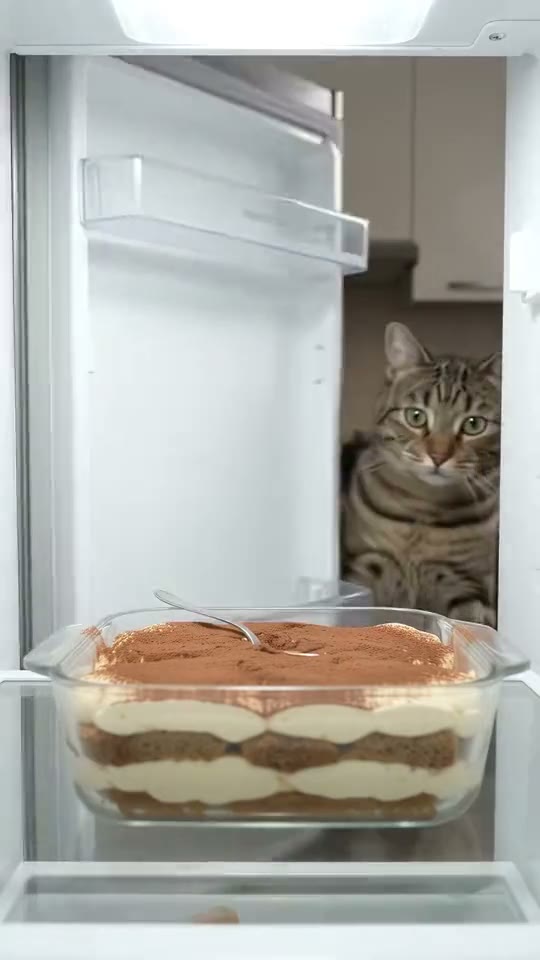
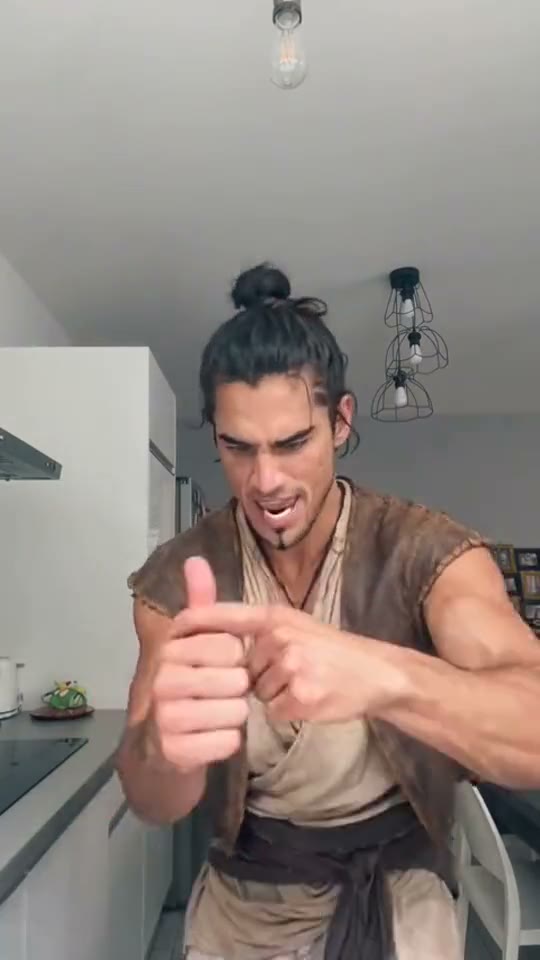
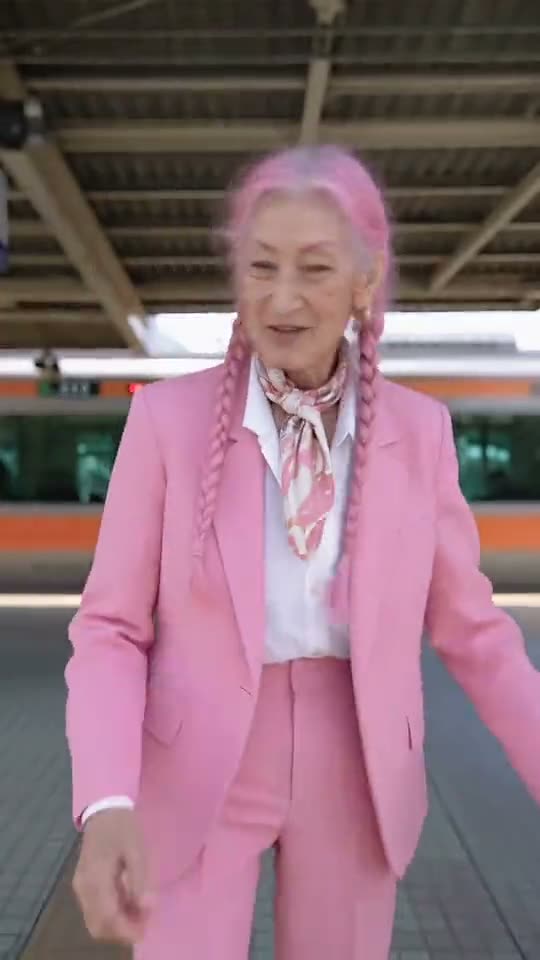
More Trending Memes
Explore another scene to make with your own photo.
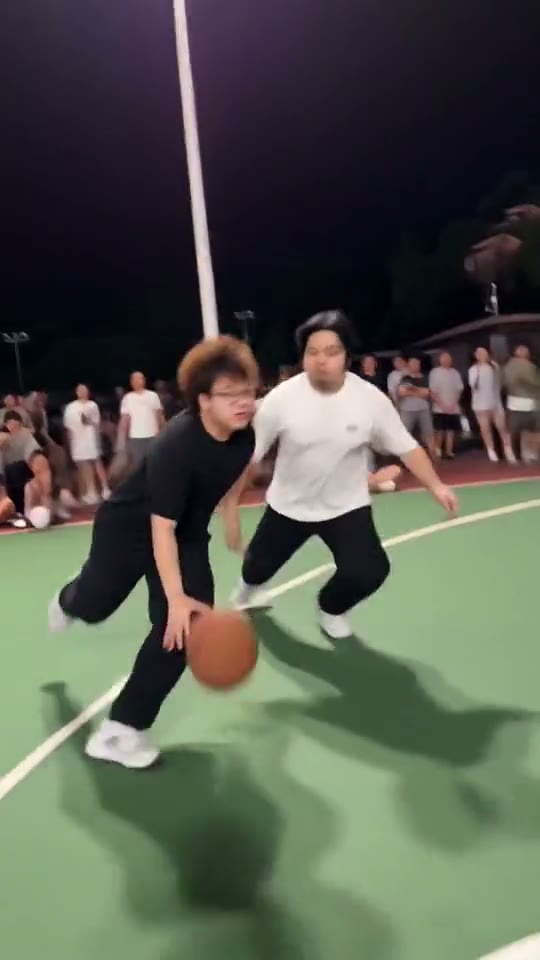 New
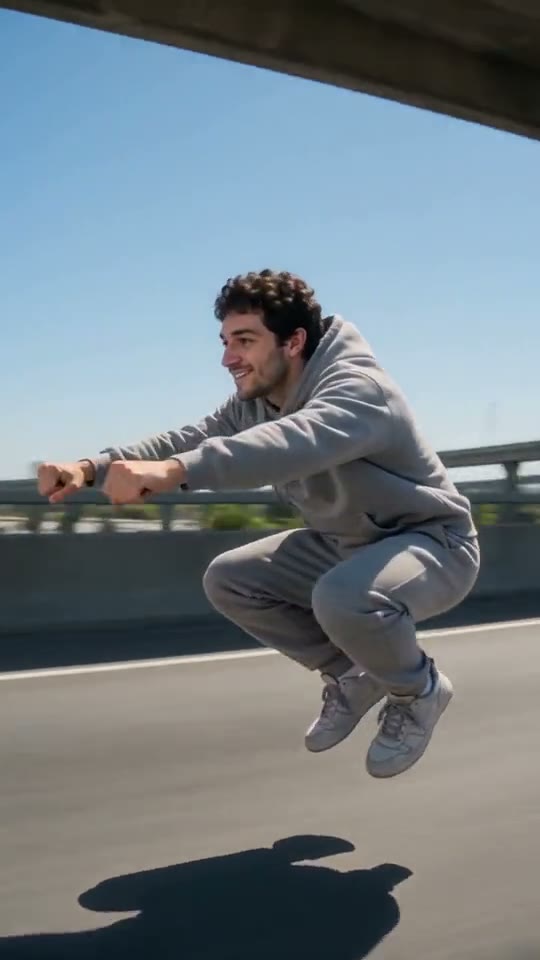
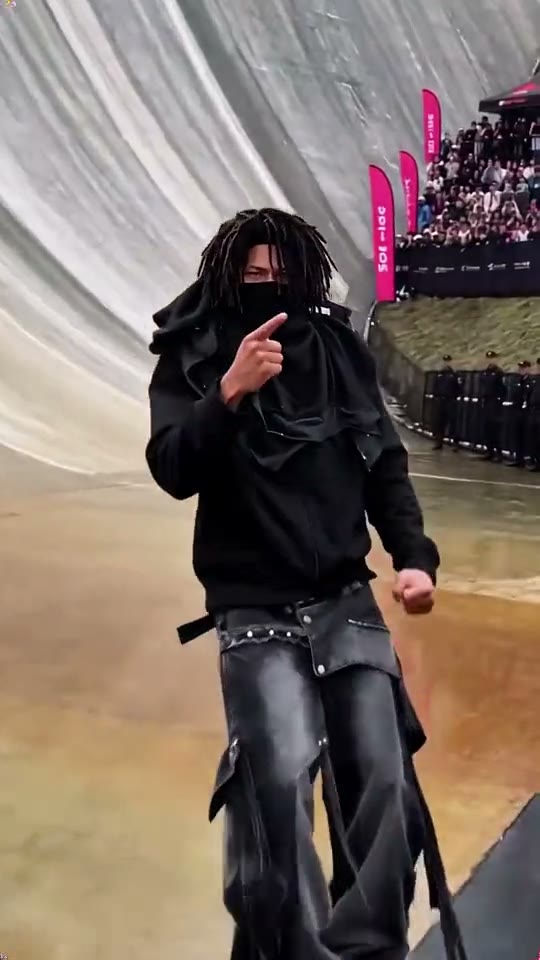
AI Dunk
Break past the defender and finish with a big dunk.
Comedy · 2 examples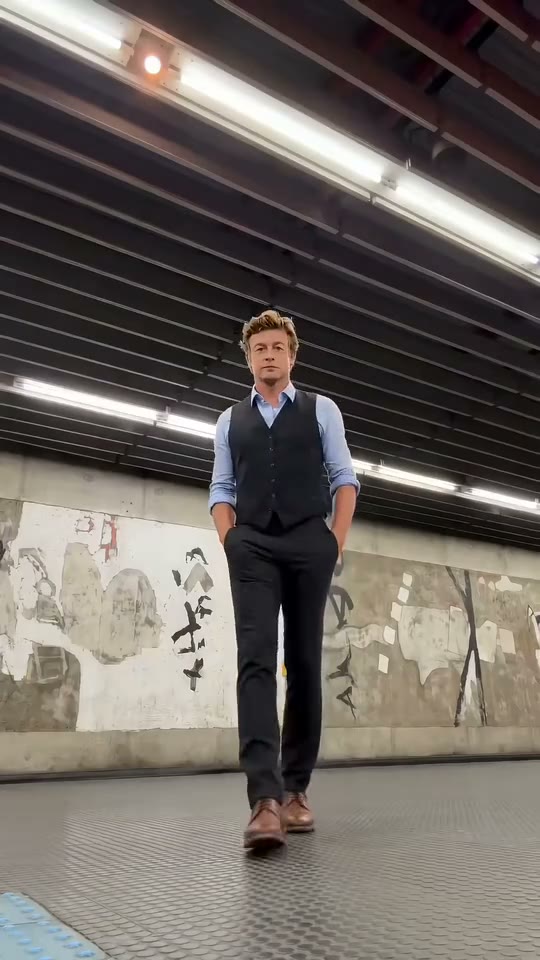 New
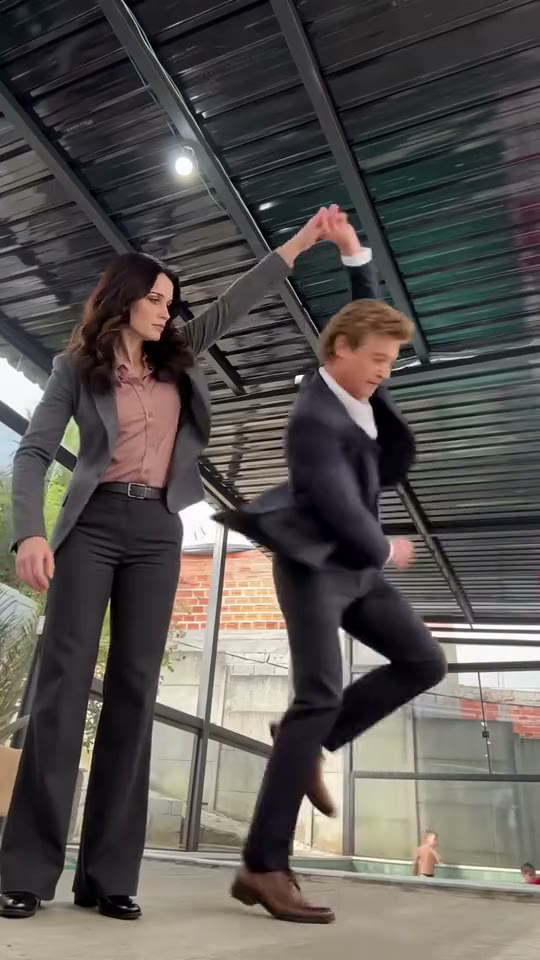
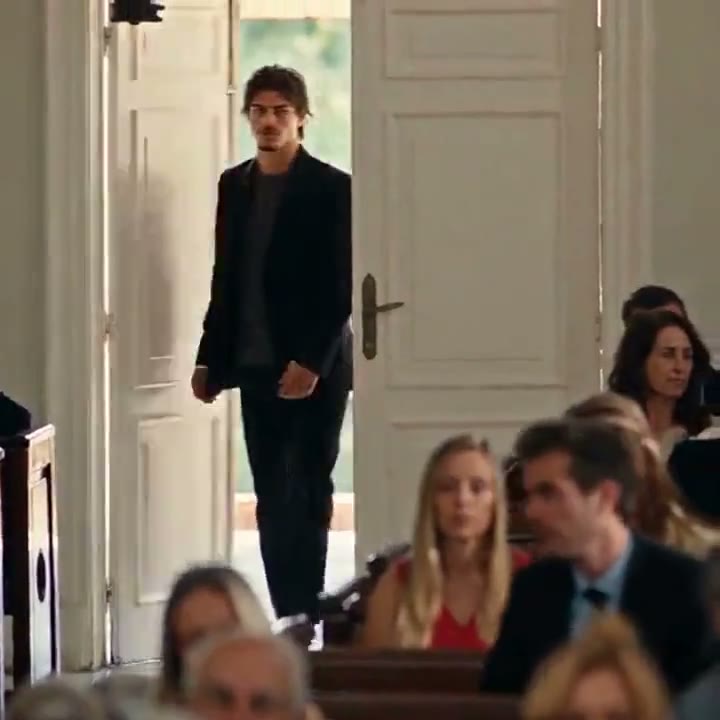
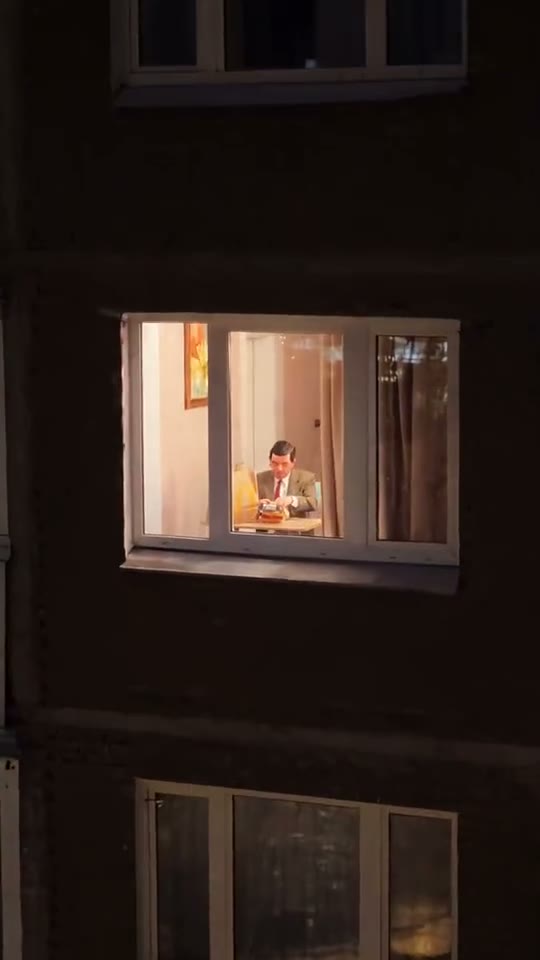
Patrick Jane AI
A sharp suit meets wonderfully awkward dance moves.
Dance · 6 examples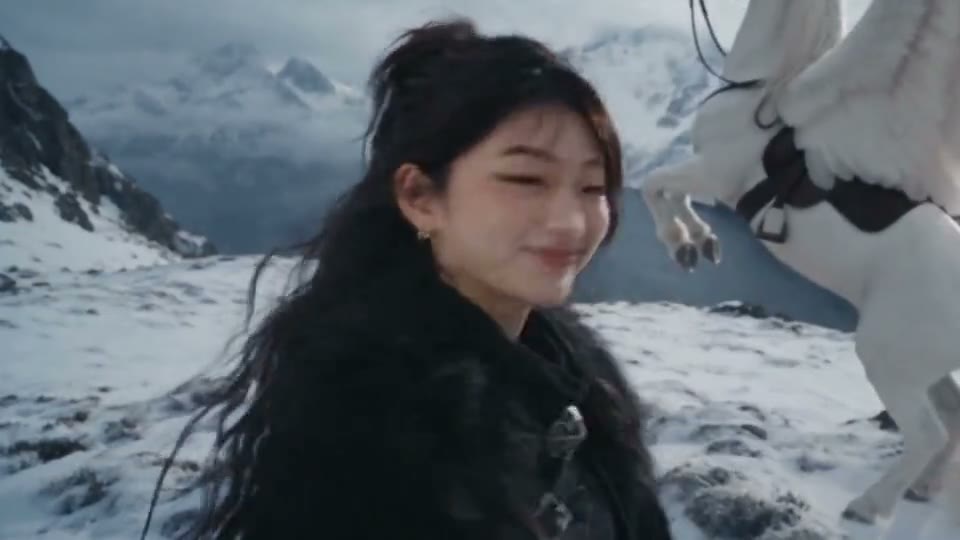 New
24 Card Trend AI
Reveal two number cards and jump to a new scene.
Effects · 8 examples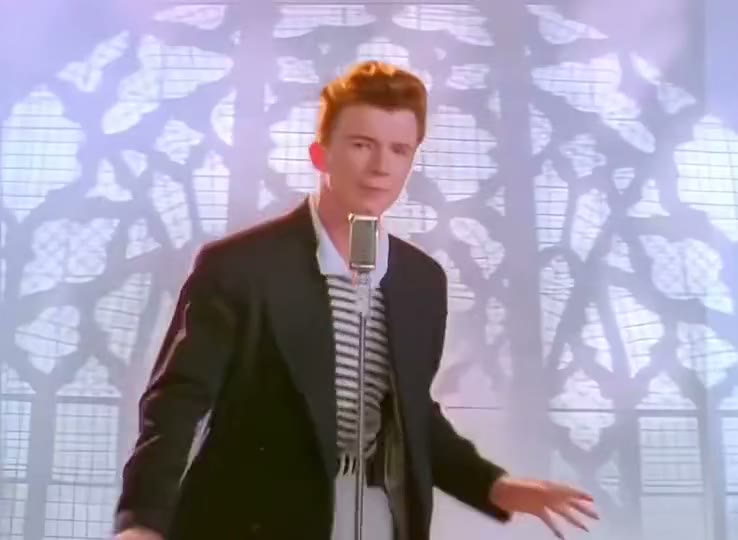 New
Rick Roll AI
Step into the music-video prank everyone knows.
Dance · 8 examples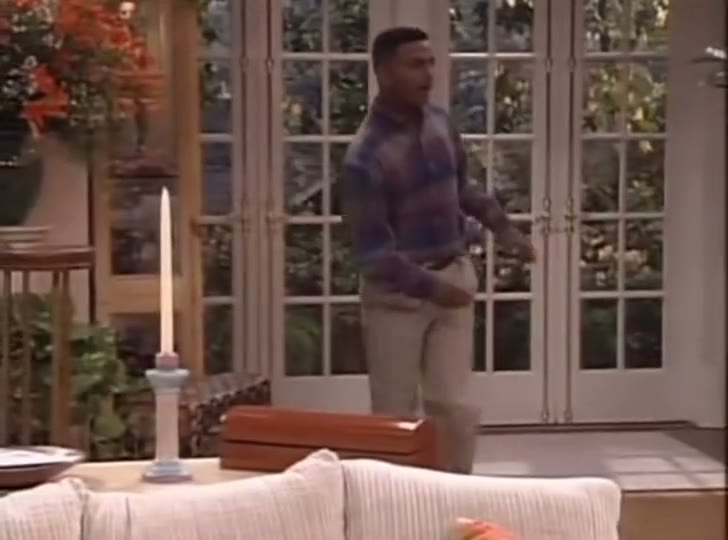 New
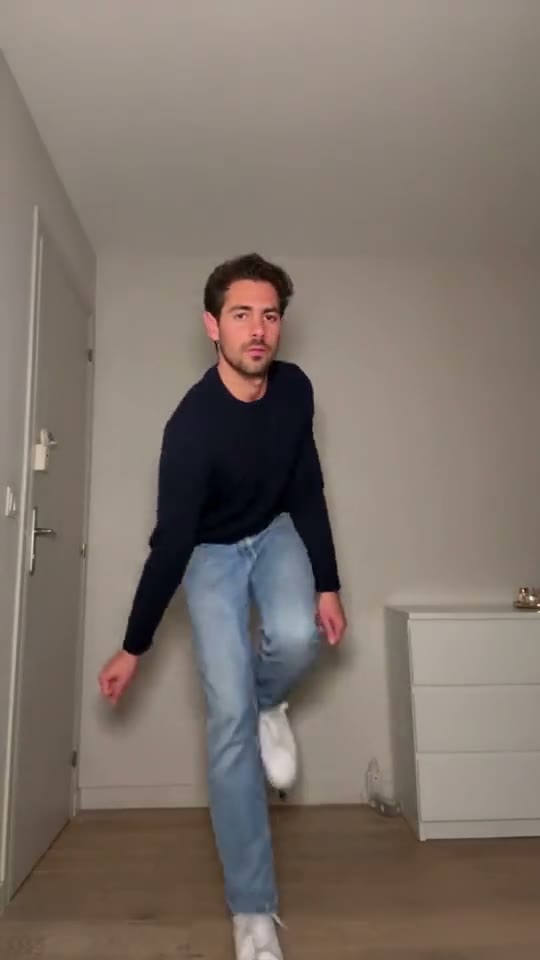
Carlton Dance AI
Try the bouncy arm swings of the Carlton dance.
Dance · 8 examples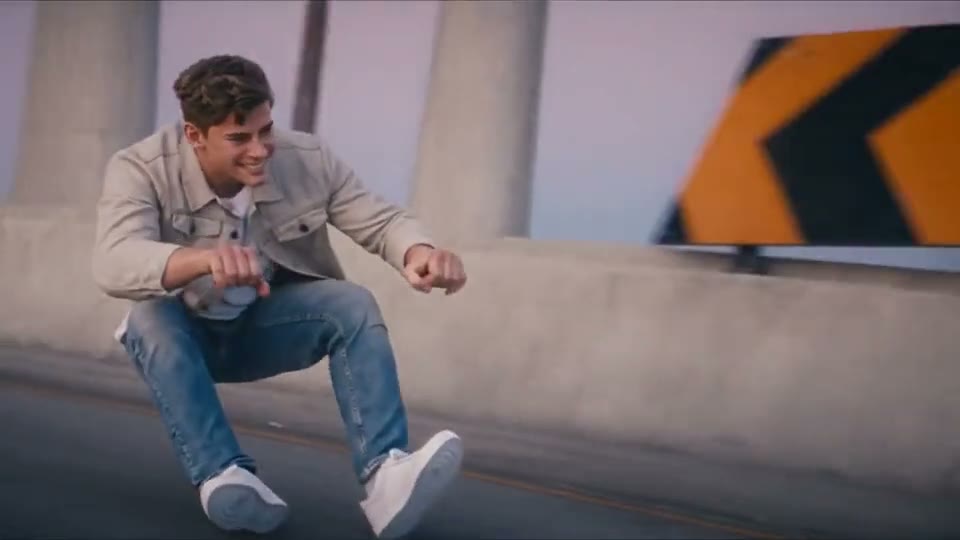 New
Crazy Frog AI
Pantomime a wild ride on a bike nobody can see.
Comedy · 8 examples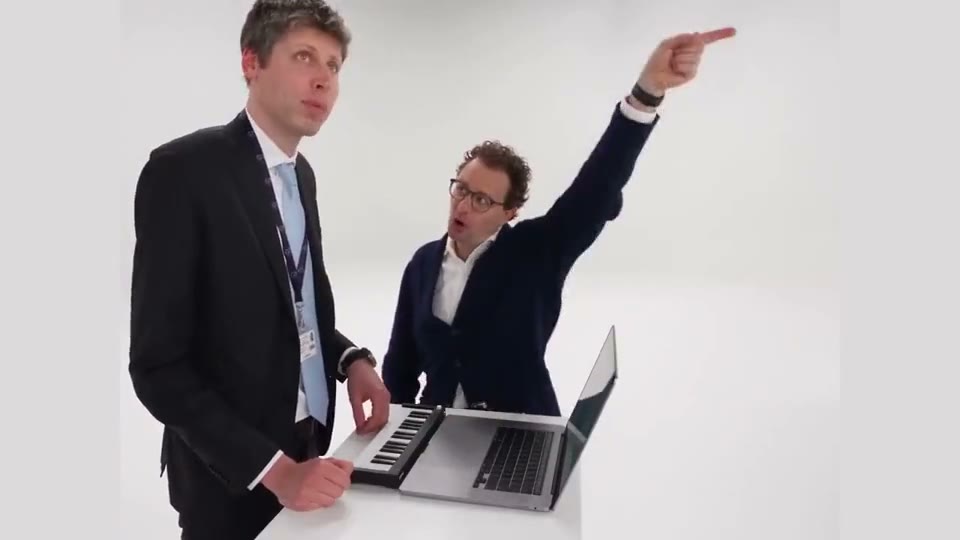 New
Alors On Danse AI
Play the tune while your partner cheers you on.
Duo & Couples · 8 examples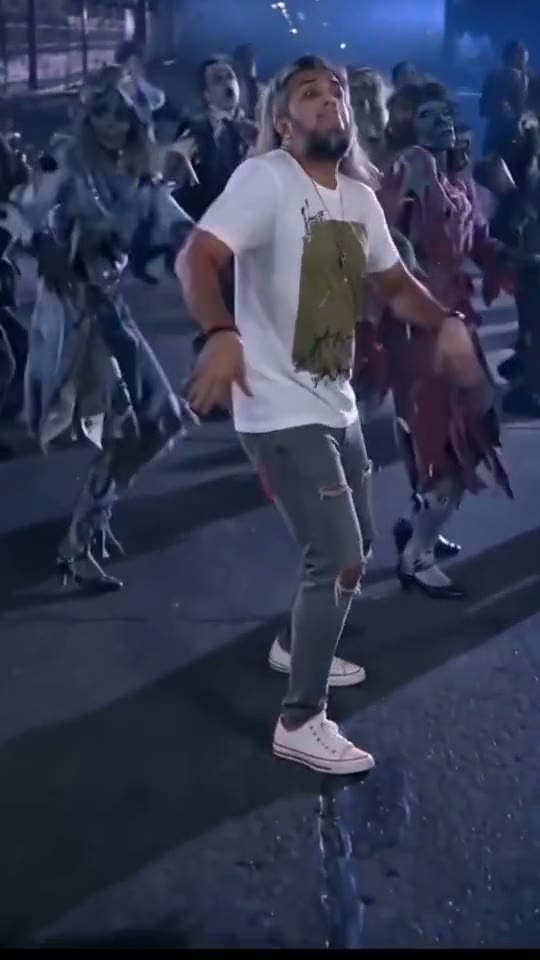 New
Thriller Dance AI
Take center stage in a spooky group dance.
Dance · 8 examples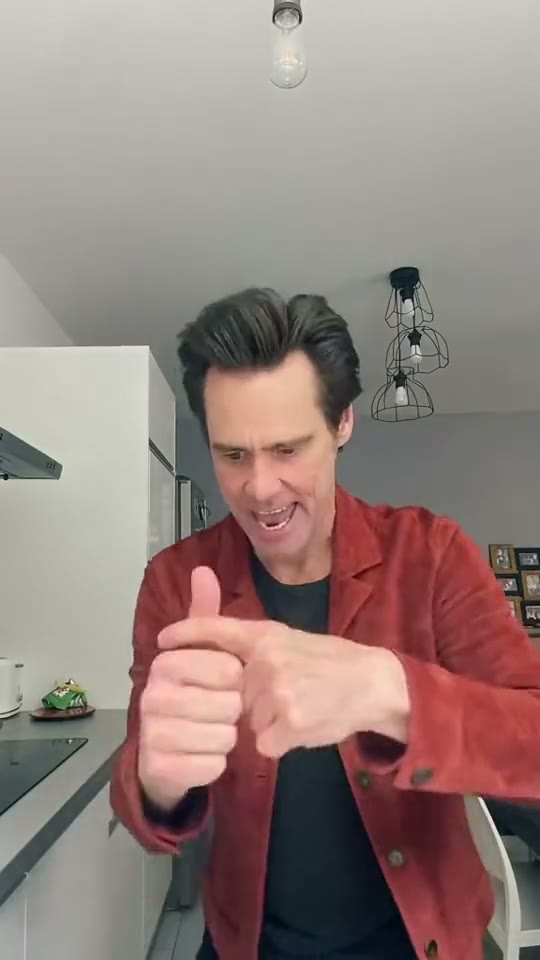 New
Jim Carrey Dance AI
Turn emphatic gestures into a quick comedy routine.
Dance · 7 examples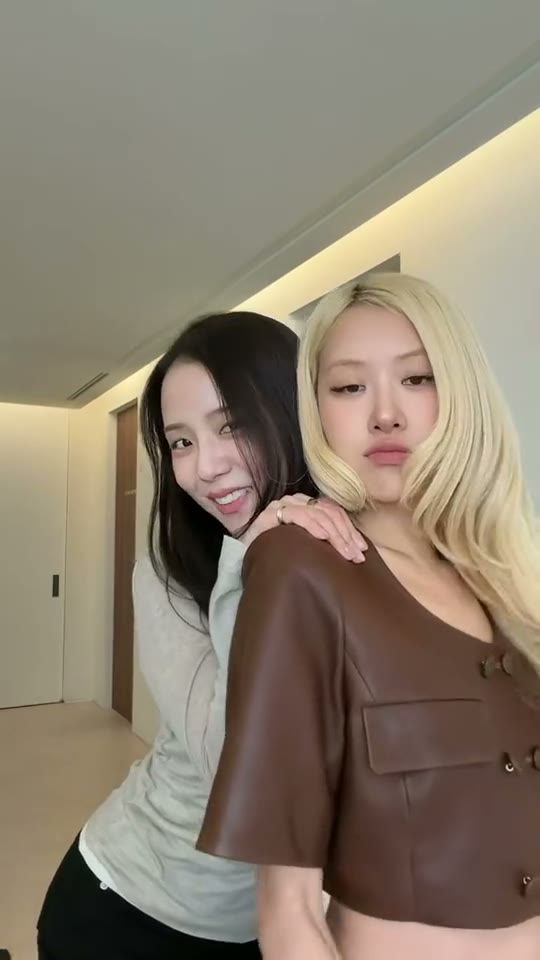 New
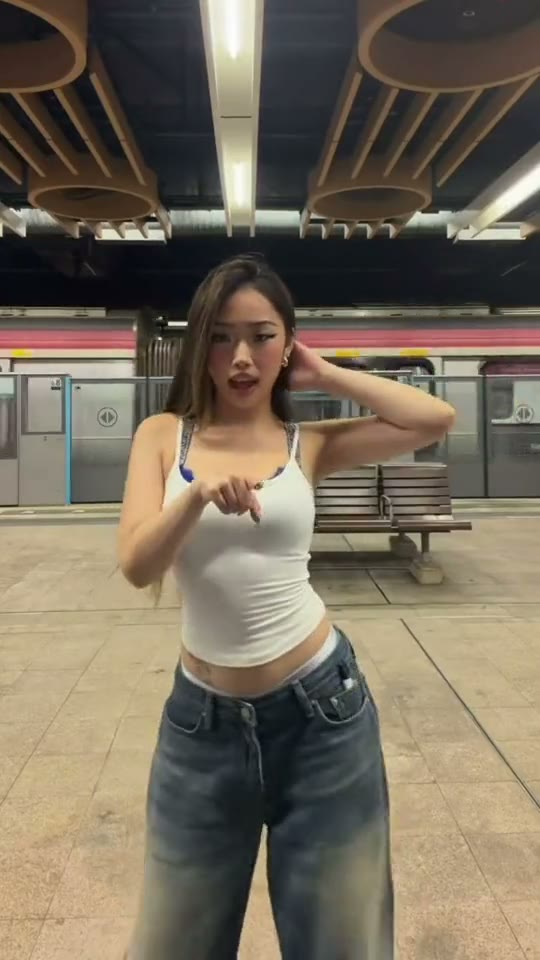
Jisoo Addicted Dance AI
Recreate the K-pop challenge beside another dancer.
Dance · 6 examplesLike Jennie AI Questions
Which example should I choose for Like Jennie AI?
Describe the center position and the backup formation in the prompt. Pick the example whose framing gives the group enough space to stay in view.
Do I need video editing skills?
Choose a clip, add a photo and generate in one editor. Your finished video appears in results.
Can I use my own images?
Yes. Pick a model that supports reference images and upload a file you have permission to use. The editor shows the supported options.
How much does a generation cost?
The cost depends on the selected model and settings. Review the quote in the editor before generating, especially after changing a model, duration or resolution.
What happens if my generation fails?
Check the task status and your credit history. If a confirmed technical error left credits deducted, contact support to have those credits restored.
How can I download a finished creation?
Open the completed result in your workspace and use its download action. You can also find past creations in your history.
Trending This Week
Ready to Make Your Like Jennie AI Video?
Pick your example, upload a photo and check the quote before generating.